How to Make a Family Photo Slideshow (with Music)
Make a family photo slideshow for a reunion, anniversary or birthday: pick photos from several albums, set the order, add music and captions, and show it on the TV.

September 02, 2025 by Manuel Escrig · 4 min read
Updated October 2026

A family reunion, a big anniversary or a birthday is the perfect excuse to bring out the photos nobody has looked at in years. With Digital Photo Frame App you can build the slideshow on your iPhone or iPad, play it on the TV, and send it to everyone afterwards as a video. Here's the whole process.
With three kids and my parents living in another country, this is the kind of slideshow I'd make for a family get-together.
- Collect photos from several albums, and ask relatives to add theirs to an iCloud Shared Album.
- Create a saved slideshow and use Add Media to mix albums.
- Drag photos into order and turn Shuffle off.
- Add Background Music, captions, and Combine Photos (Collage) for portrait photos.
- Play it on the TV, then export it as a video for everyone.
1. Gather the photos
Start with the albums you already have: trips, holidays, the kids growing up. If relatives have photos you don't, ask them to add them to an iCloud Shared Album for the event. New photos show up in the app as soon as they're added, even while you're putting the slideshow together. Old prints can go in too: scan them with your phone first.

2. Create the slideshow
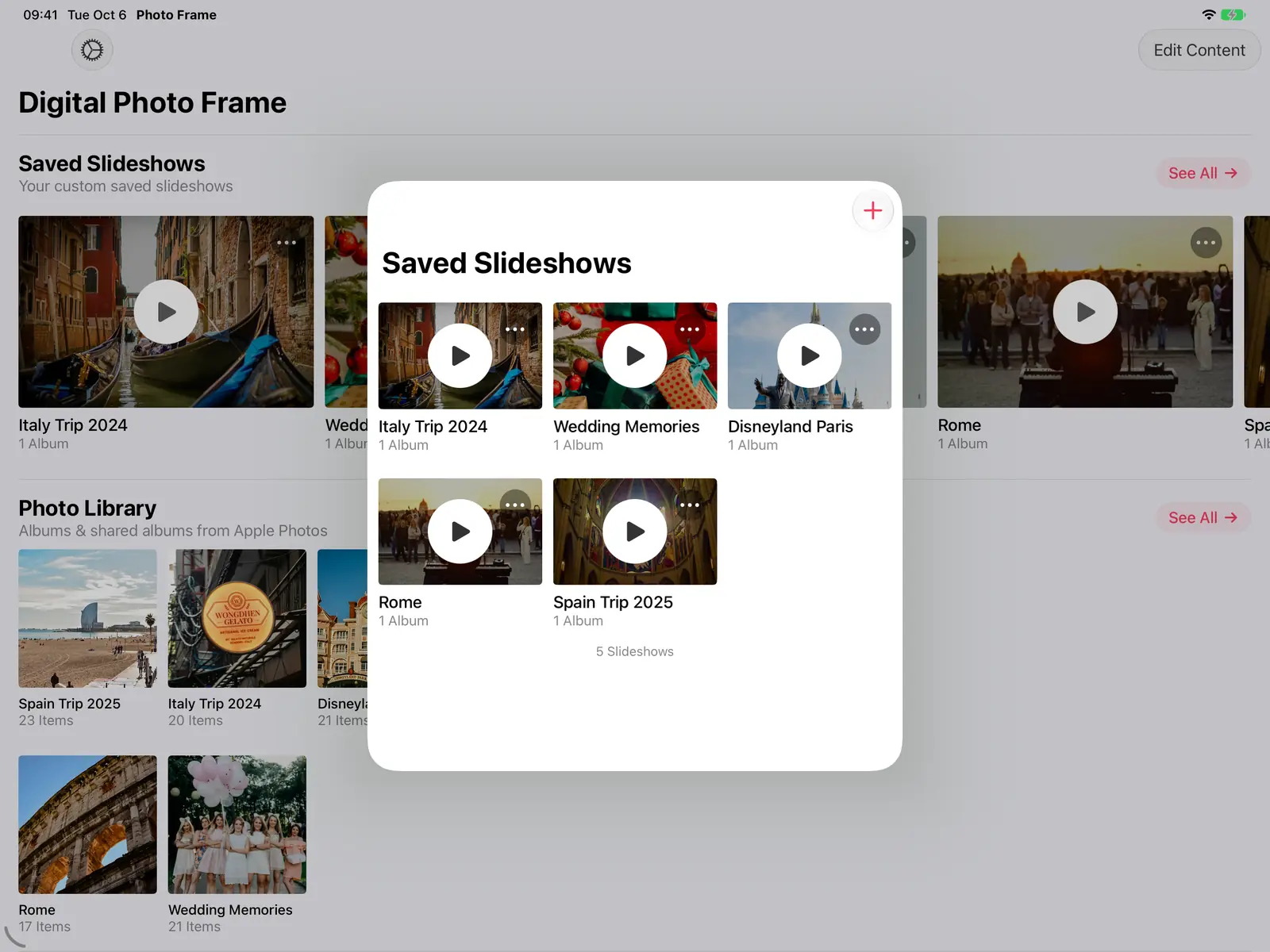
Open Saved Slideshows and tap + to start an empty slideshow, then tap Add Media to add photos and videos from as many albums as you like.
3. Put them in order
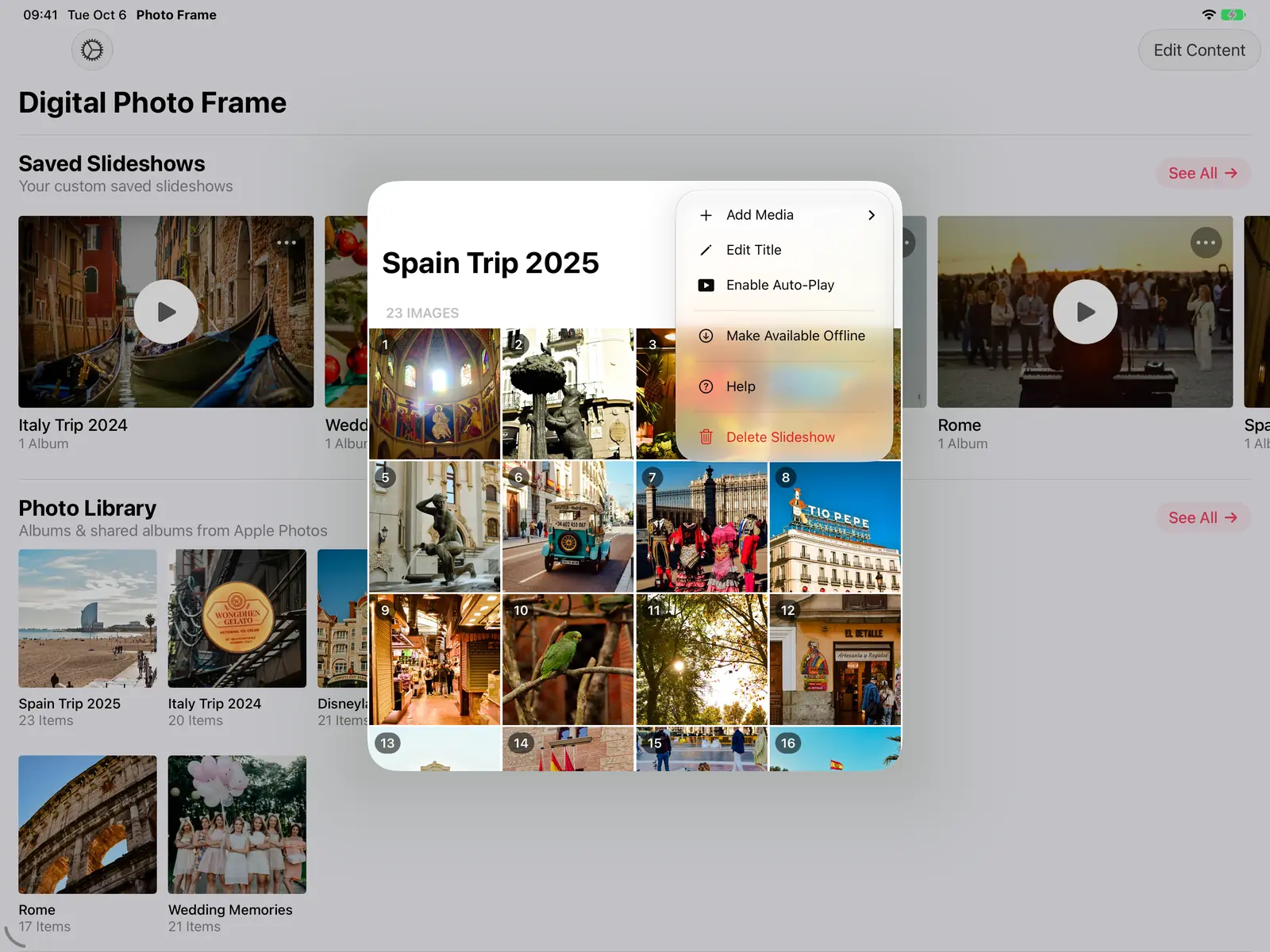
Each photo in the slideshow shows its position number. Drag photos to tell the story in order: decade by decade, or from the first photo of the couple to today. Turn Shuffle off in the slideshow settings so the order is kept.
4. Make it look and sound right
- Music: under Background Music, pick songs from the built-in collection or your own library. They fade down when a video plays. More in adding music to your slideshow.
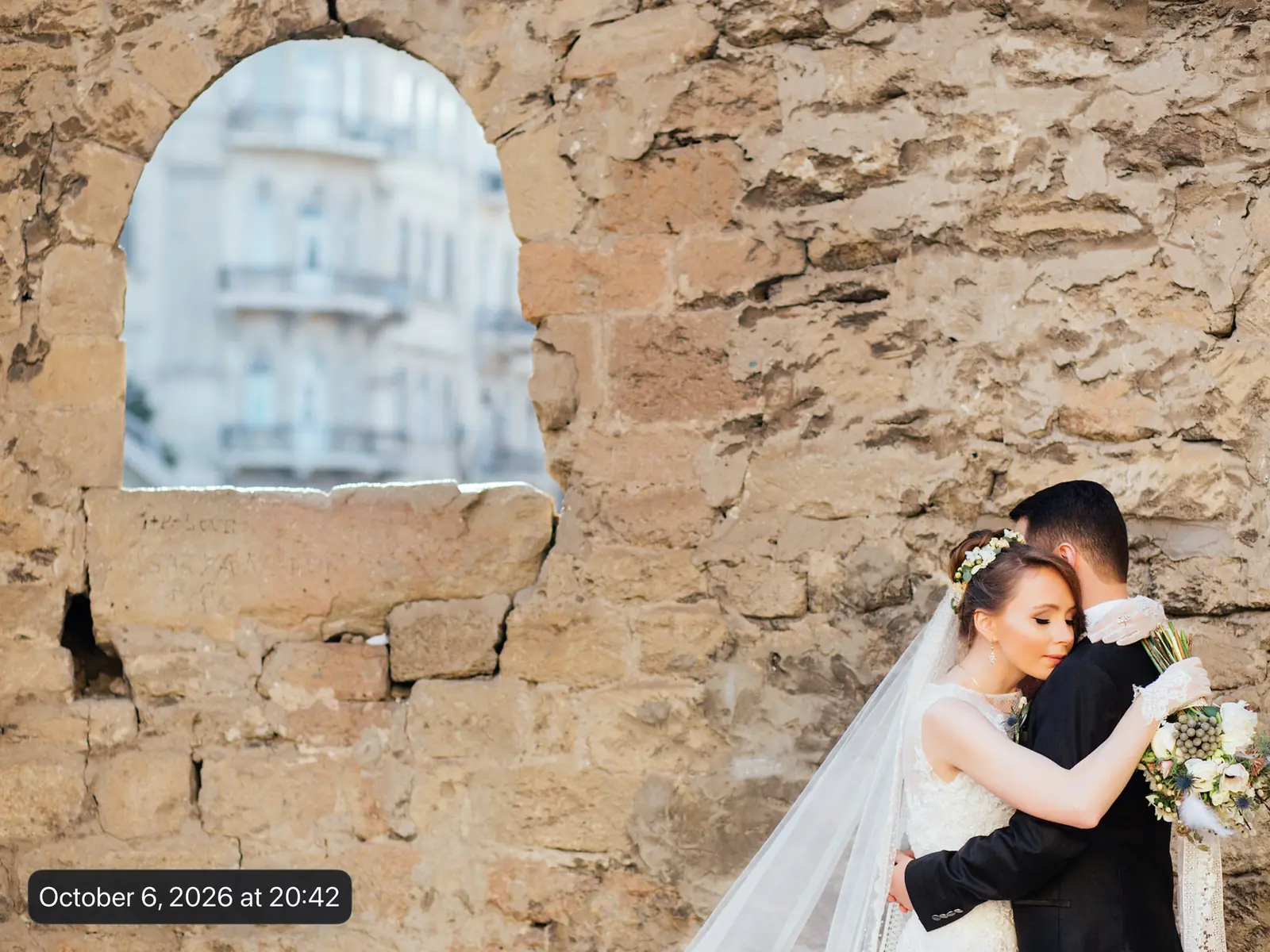
- Captions: show where and when each photo was taken, so people can place the moment.
- Portrait photos: with Combine Photos (Collage), two portrait photos share a landscape screen instead of leaving empty space at the sides.
- Pace: 8 to 10 seconds per photo works for a crowd watching; a gentle Fading transition keeps the focus on the photos. See all the options in slideshow transition effects.

5. Show it on the big screen
At the event, play it on the TV. With an Apple TV, the Apple TV app plays slideshows from your photo library, iCloud shared albums, Immich or a NAS, without tying up your phone; see how to display photos on your Apple TV. From an iPhone or iPad, the AirPlay button in the slideshow menu sends it to any AirPlay TV.


6. Send it to everyone afterwards
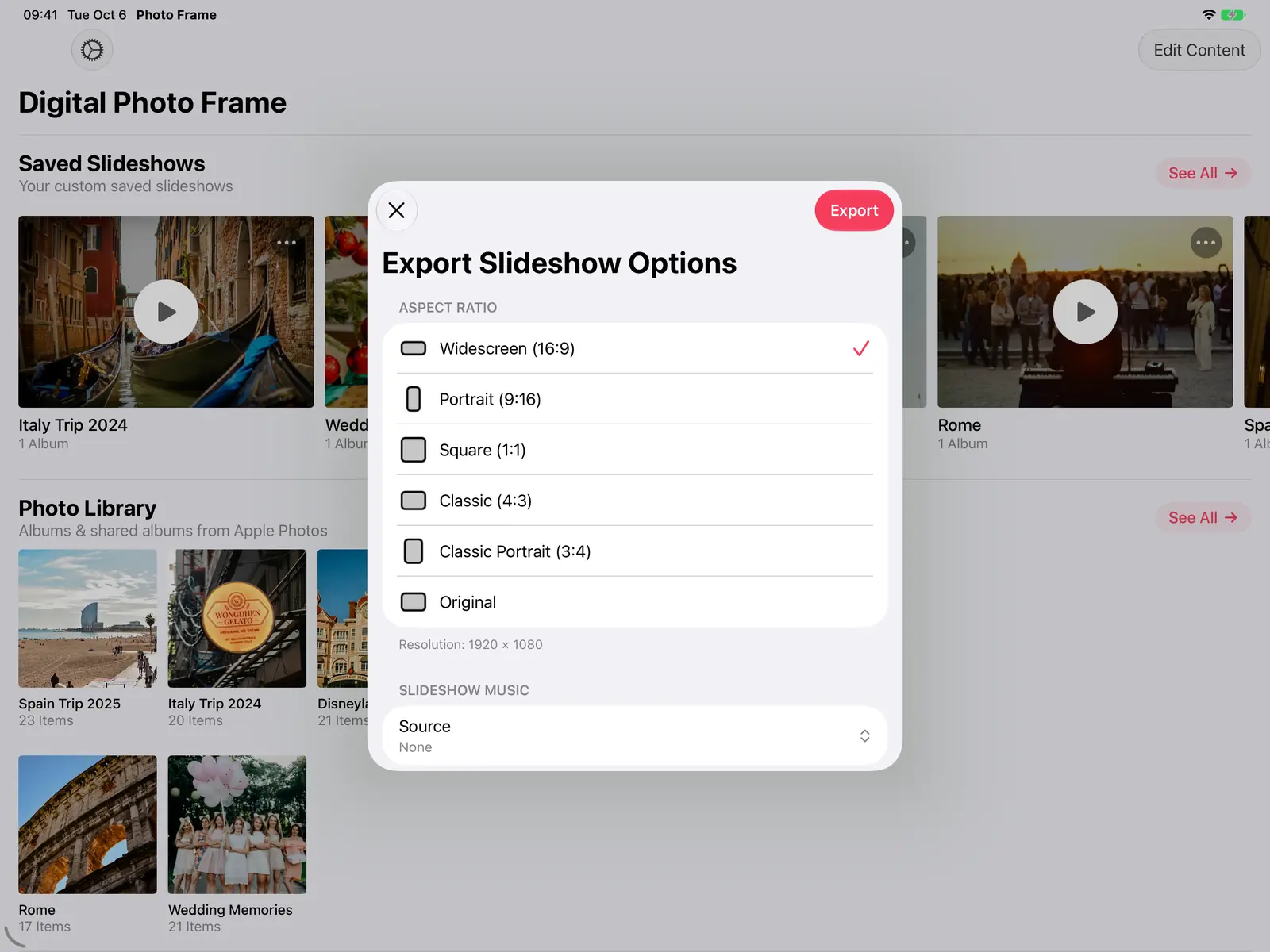
Export the slideshow as a video and share it with the family. You choose the shape (16:9 for a TV, 9:16 for phones, square and more), the music, and whether each photo's title, date and place appear. Videos and Live Photos are included with their sound.
Tips from experience
- Keep it to 15 to 20 minutes for an event; a longer loop works better in the background.
- Mix in short videos. A few seconds of a laugh or a first dance make people look up.
- Put the newest photos near the end. Ending on the grandchildren or the latest family photo lands well.
Frequently asked questions
Can I use photos from Google Photos too?
Yes, on iPhone, iPad and Mac: pick them in Google's picker and add them to the slideshow. Google Photos isn't available in the Apple TV app.
Can I play the same slideshow on a frame afterwards?
Yes. Keep it as a saved slideshow and turn on Enable Auto-Play to make it the frame's slideshow; see how to turn your iPad into a digital photo frame.
 Share on Facebook
 Share on X
Keep reading
All posts → Guides Digital Photo Frame for Grandparents: Easy iPad Setup
A digital photo frame for grandparents that updates itself: the family adds photos to a shared album and they appear on…
Guides Digital Photo Frame for Grandparents: Easy iPad Setup
A digital photo frame for grandparents that updates itself: the family adds photos to a shared album and they appear on…
 Guides How to Share Photos of Your Kids Privately
Private ways to share photos of your children with family, without social media: iCloud shared albums, private messagin…
Guides How to Share Photos of Your Kids Privately
Private ways to share photos of your children with family, without social media: iCloud shared albums, private messagin…
 Guides Photo Gifts for Grandparents: 10 Ideas
10 honest photo gift ideas for grandparents, from photo books and calendars to frames that keep updating, with effort, …
Guides Photo Gifts for Grandparents: 10 Ideas
10 honest photo gift ideas for grandparents, from photo books and calendars to frames that keep updating, with effort, …
 Download Now
