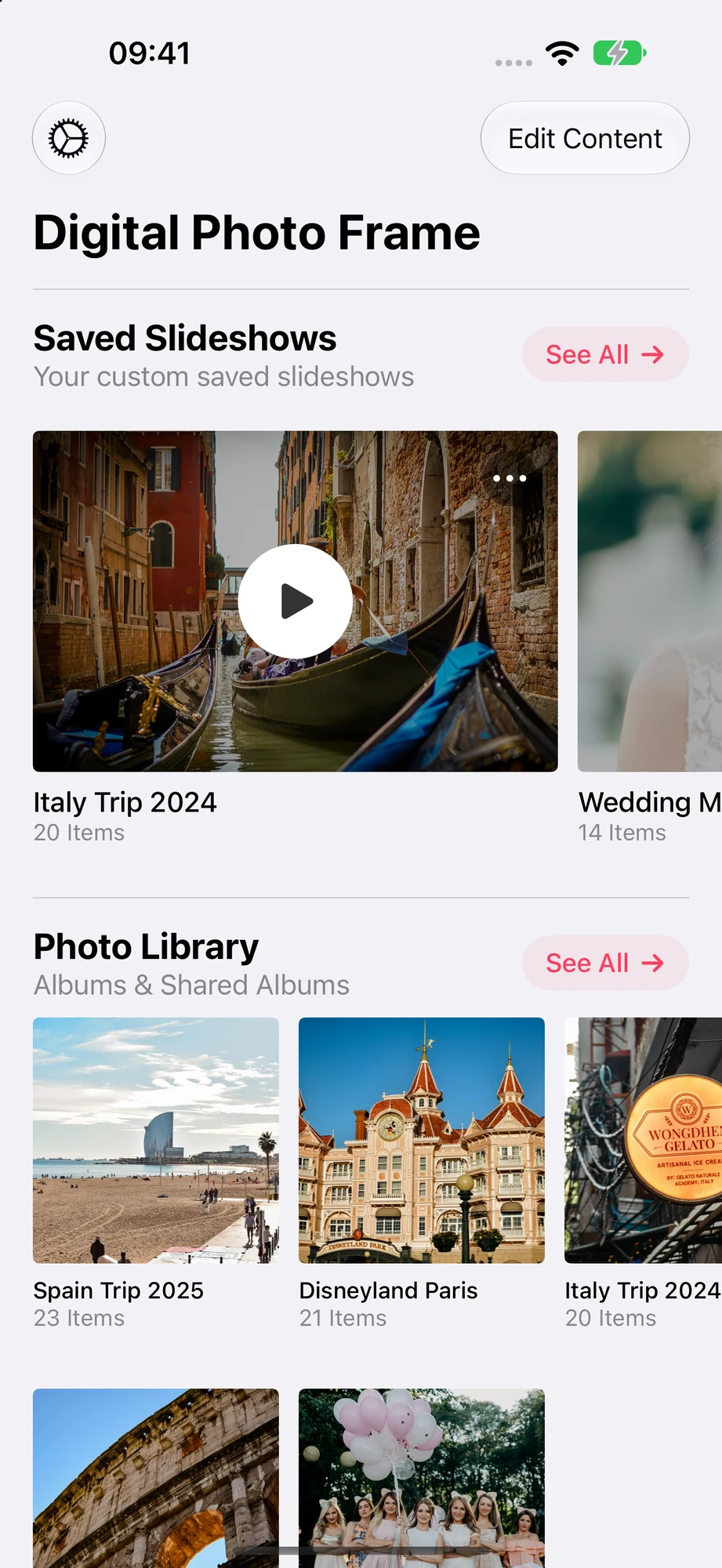

What it does on the iPhone
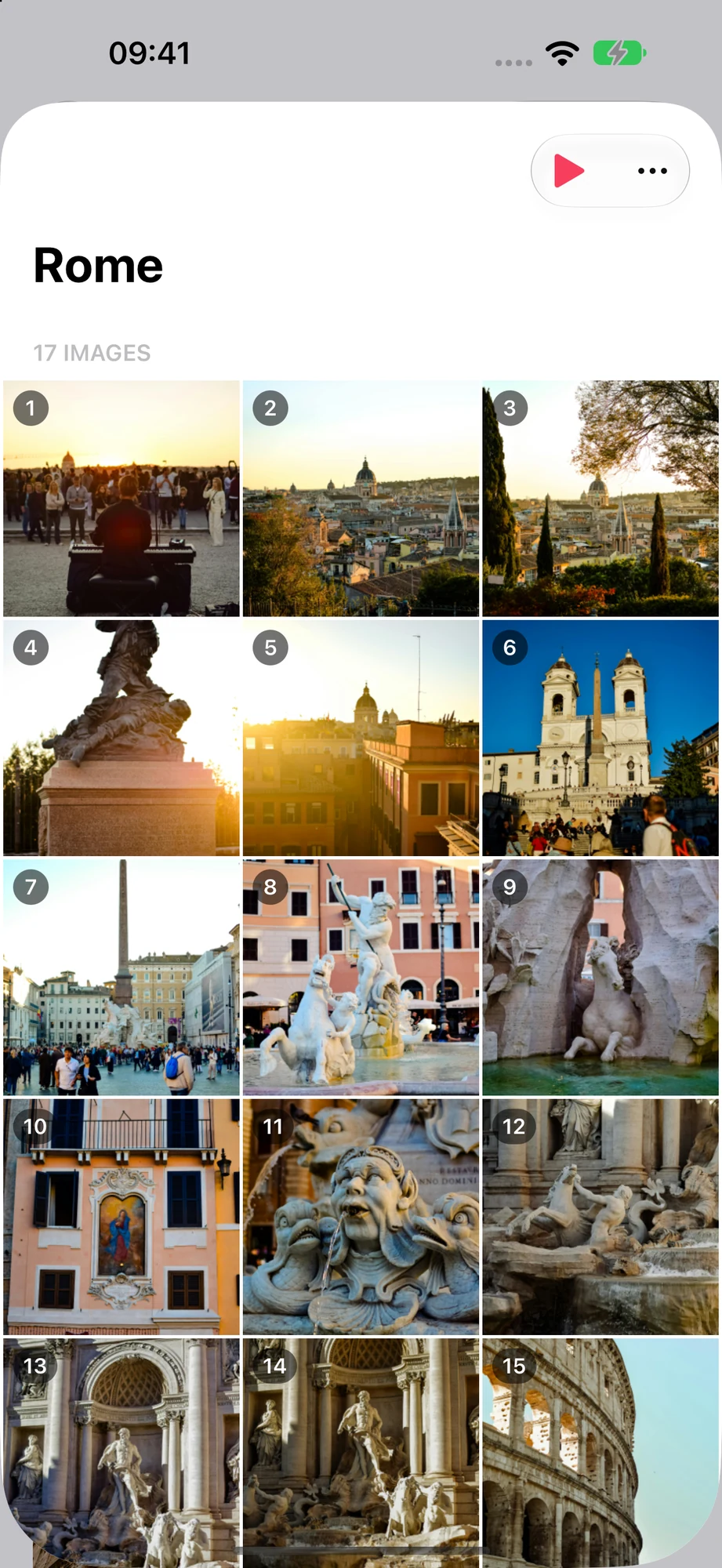
Any album, one tap
Your albums and iCloud shared albums are on the home screen. Tap one and it plays full screen, with photos, videos and Live Photos. Save the ones you love as slideshows with their own settings.
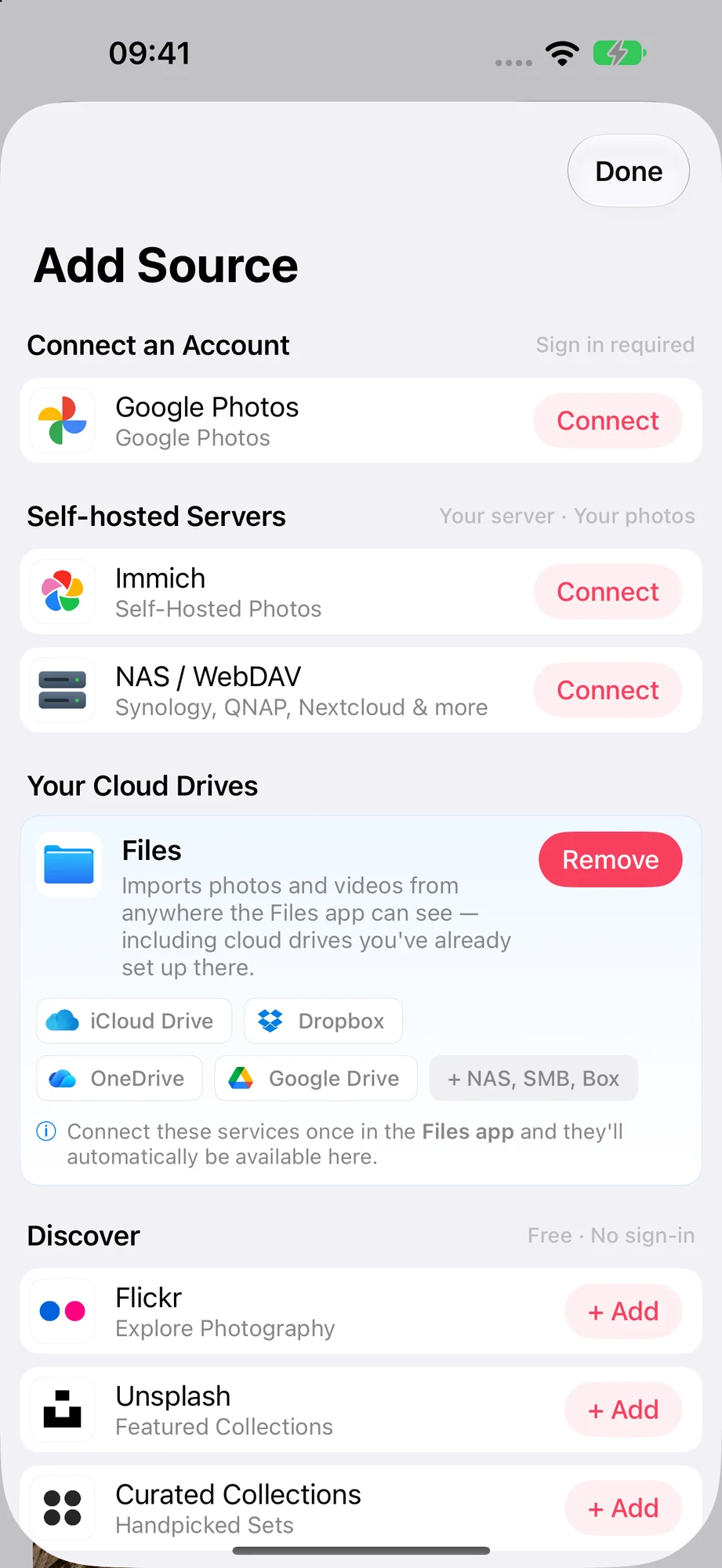
Photos from everywhere
Add Source connects Google Photos, an Immich server, a NAS or WebDAV server, and folders from the Files app, including iCloud Drive, Dropbox, OneDrive and Google Drive.
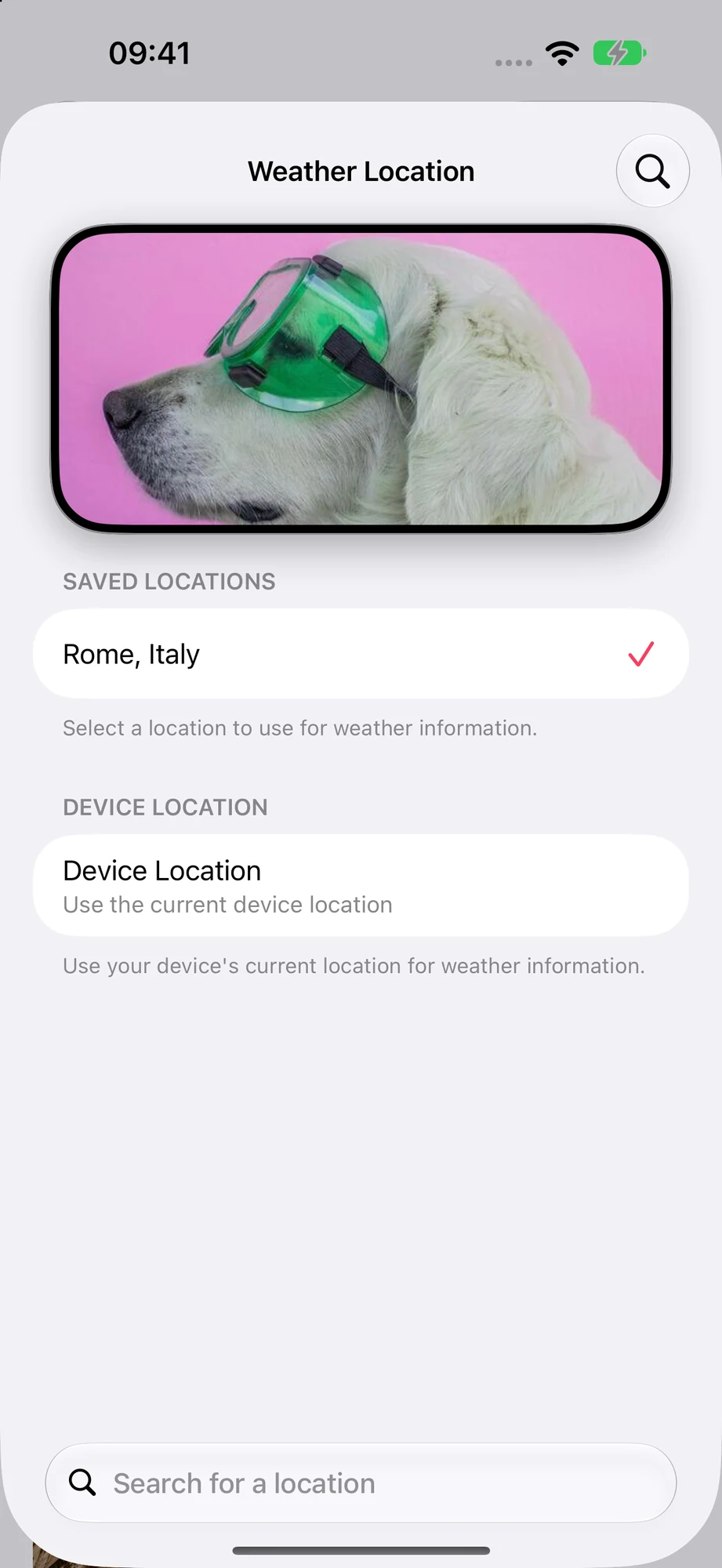
Weather for any place
Show the weather, date and time over your photos, styled the way you like. Pick a Weather Location to see the weather where your family lives, not just where the phone is.

Send it to the TV
Every slideshow has an AirPlay button, so you can show a few photos on the big screen when family visits. For a frame that runs all day on the TV, there is the Apple TV app.
Set it up in three steps
Pick your photos
Allow access to your photos, then tap any album or shared album, or add a source like Immich or a NAS.
Tune the slideshow
Choose the slide duration, transitions and whether photos shuffle, then turn on the weather and clock if you want them.
Put it on a stand
Plug the iPhone in, set Auto-Lock to Never in Settings, and save the slideshow with Enable Auto-Play on.
- A photo frame stays on all day, so keep the iPhone on a charger.
- Google Photos works through Google's own picker since 2025, so new photos in a Google album don't appear by themselves. iCloud shared albums do.
- On iOS 18 and later you can start a slideshow from Control Center, the Lock Screen or the Action button with the Play Slideshow control.
- The current version needs iOS 15. Older iPhones that stop at iOS 12 can't install it.
Frequently Asked Questions
Which iPhones can be a photo frame?
Any iPhone that runs iOS 15 or later: iPhone 6s, iPhone SE (1st generation) and every newer model.
Will the slideshow keep playing while the iPhone charges?
Yes. Keep it plugged in and set Auto-Lock to Never in Settings, and the slideshow plays for as long as you like.
Can I mix photos from different places in one slideshow?
Yes. A saved slideshow can combine your photo library and shared albums with Google Photos, Files, Immich or NAS photos.
Can I show the slideshow on my TV?
Yes, with the AirPlay button in the slideshow. If you have an Apple TV, the app also runs on the Apple TV itself, so the phone can leave the room.
How much does it cost?
The app is free to download. Premium is $2.99 a month, $19.99 a year with a 7-day free trial, or $69.99 once (US prices), and works with Family Sharing.