How to Share Photos of Your Kids Privately
Private ways to share photos of your children with family, without social media: iCloud shared albums, private messaging and a photo frame at home.

February 24, 2025 by Manuel Escrig · 4 min read
Updated October 2026
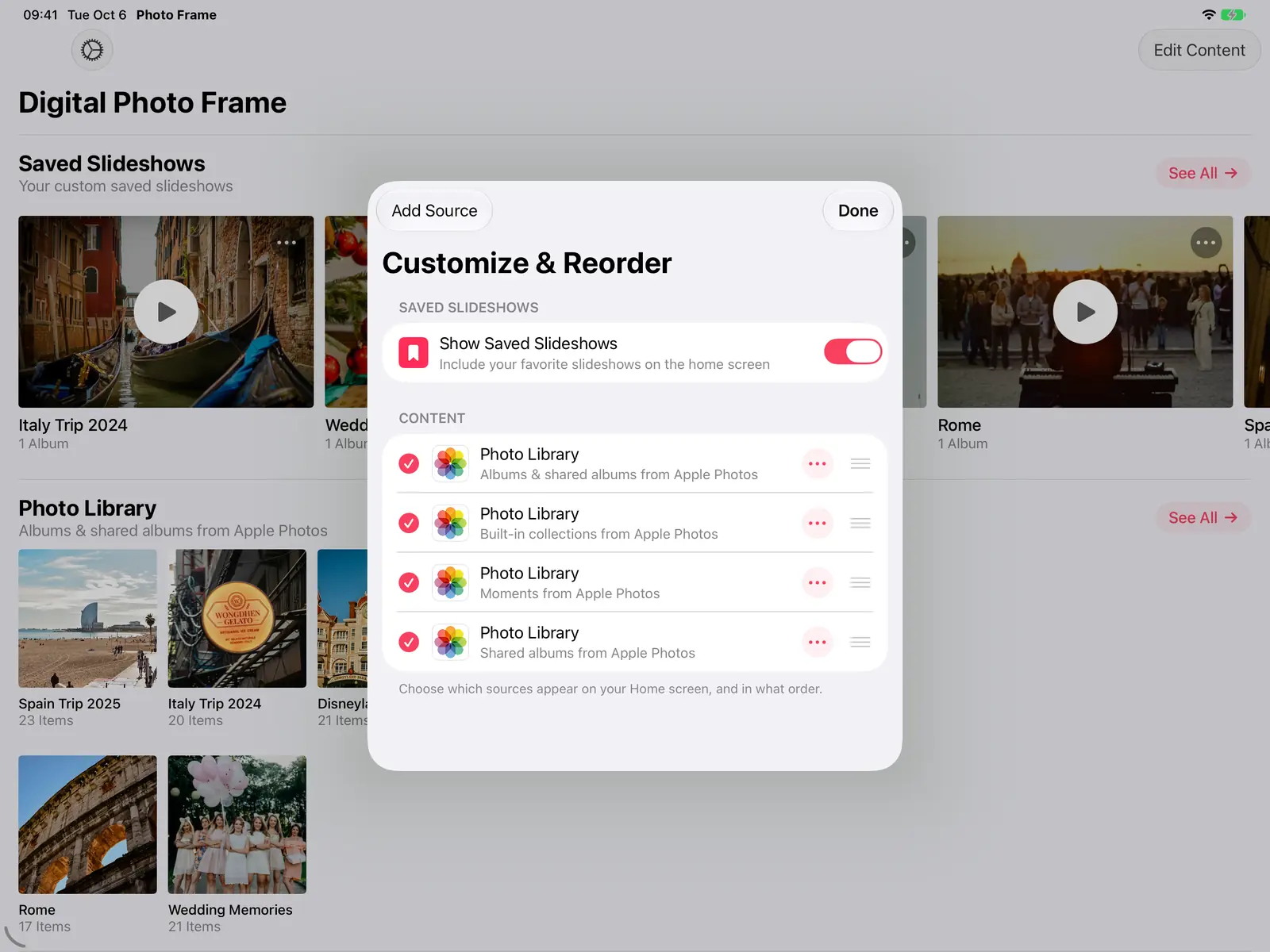
The most private way to share photos of your children with family is an invite-only shared album, such as an iCloud Shared Album, where only the people you invite can see and add photos. Private messaging groups work for quick moments, and a photo frame at home lets grandparents see everything without using social media at all.
- Invite-only shared albums keep photos away from the public: only people you invite can see them.
- iCloud Shared Albums can play on a photo frame, and since iOS 27 relatives without an Apple device can join from the web.
- Avoid link sharing for photos of kids: anyone who gets the link can open the album.
- End-to-end encrypted chats (Signal, WhatsApp) are good for quick photos but messy as an archive.
- A frame at the grandparents' house shows new photos as you add them, with nothing posted online.
Why parents are moving away from social media
I'm a father of three, and photos of our kids are the most precious thing on my phone. The reasons parents give for keeping them off social media are easy to understand:
- Control. Once a photo is posted, it can be saved, re-shared or screenshotted by people you don't know.
- A digital footprint. Children can't agree to photos that will follow them for years.
- The audience. Grandparents and close family are usually the people who want the photos most, and they don't need a public feed to see them.
Option 1: an invite-only shared album
An iCloud Shared Album is what we've used since our twins were born. You invite people by email or phone number, and they can view the photos, add their own and comment. Only the people you invite can see it.
- To set it up: in the Photos app, create a new shared album and invite your family.
- Since iOS 27: friends and family can join and add photos on the web, even without an Apple Account or Apple device. You choose whether to invite and approve people or share by link.
- For privacy: stick to inviting people. A link works like a key that anyone can pass on.
Google Photos and other services have shared albums too. The same rule applies: check whether an album is shared with specific people or with anyone who has the link.
Option 2: end-to-end encrypted messaging
Signal and WhatsApp encrypt chats end to end by default, so a family group is a private place for quick photos. Telegram only encrypts its Secret Chats end to end, not regular chats or groups. The downside of any chat: photos get buried in conversation and are hard to find a year later.
Option 3: your own server
If you like running your own tech, Immich or a NAS from Synology or QNAP keeps every photo on hardware you own. It's the most control you can get, but you have to set it up, keep it updated and back it up.
Option 4: a photo frame at the grandparents' house
This is why I built my app. Our twins were born while my parents lived in another country, so I put an old iPad in their living room playing our iCloud shared album. Every photo we add appears on it, and they've watched the kids grow up without any social media. That album now has more than 2,000 photos.

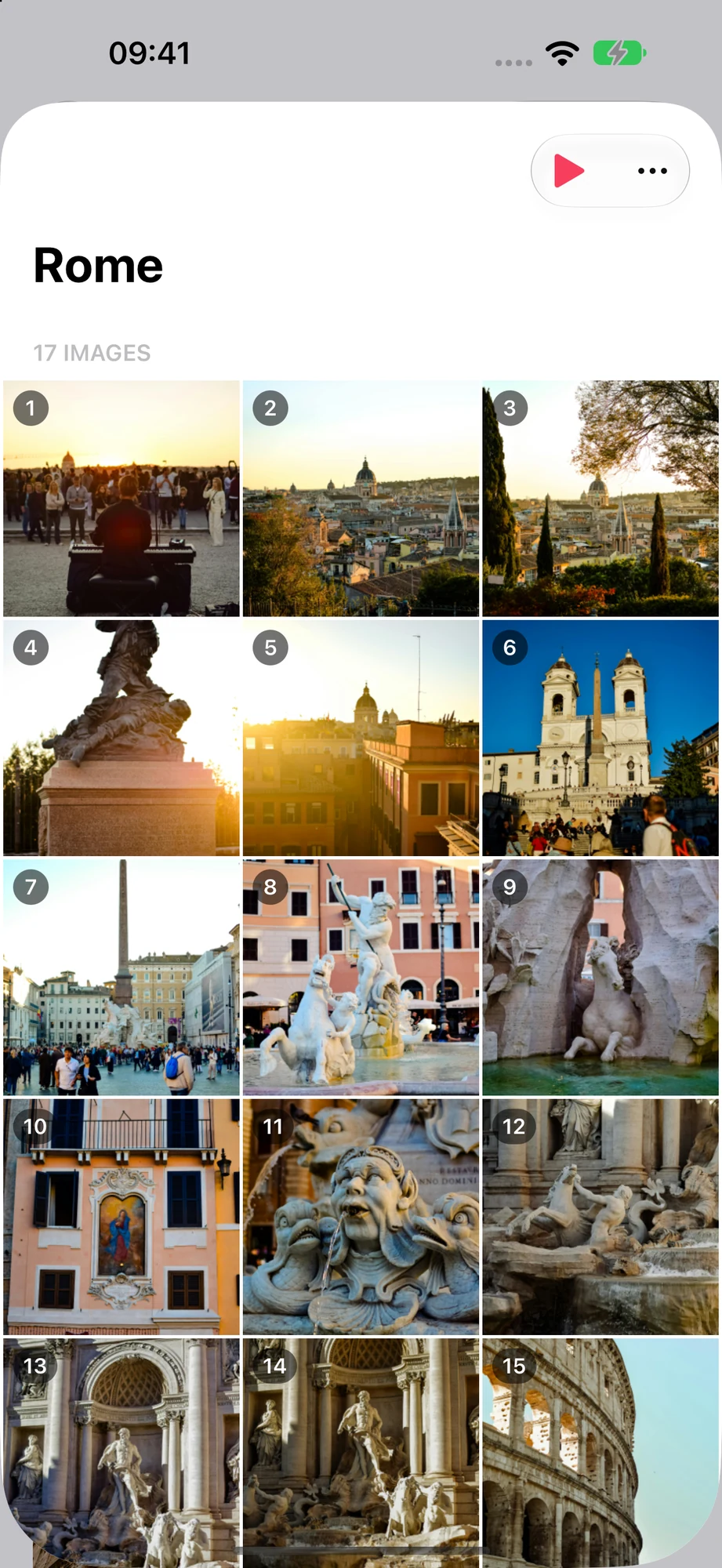
Digital Photo Frame App plays an iCloud shared album full screen on an iPad, iPhone, Mac or Apple TV, and new photos appear while the slideshow runs. The full setup, including how to make it hands-off for older relatives, is in digital photo frame for grandparents. If the frame should be an iPad you already have, see the iPad page.

Which one should you choose?
- Grandparents with an iPad or Apple TV: an iCloud shared album on a photo frame.
- Relatives on Android: an iCloud shared album they join on the web (iOS 27 or later), or a Signal or WhatsApp group.
- Maximum control: your own Immich or NAS server.
Frequently asked questions
Is an iCloud Shared Album private?
Yes, if you invite people rather than sharing a link. Only invited people can see and add photos.
Can family without an iPhone see an iCloud Shared Album?
Yes. Since iOS 27, people can join and add photos on the web without an Apple Account or Apple device.
Is WhatsApp safe for sharing photos of my kids?
WhatsApp chats are end-to-end encrypted, so only the people in the chat can see the photos. Anyone in the chat can still save and forward them.
How can grandparents see new photos without social media?
Put a photo frame in their home that plays a shared album. With Digital Photo Frame App on an iPad, new photos appear on their own while the slideshow runs.
Sources
Manuel Escrig Share on Facebook
 Share on X
Keep reading
All posts →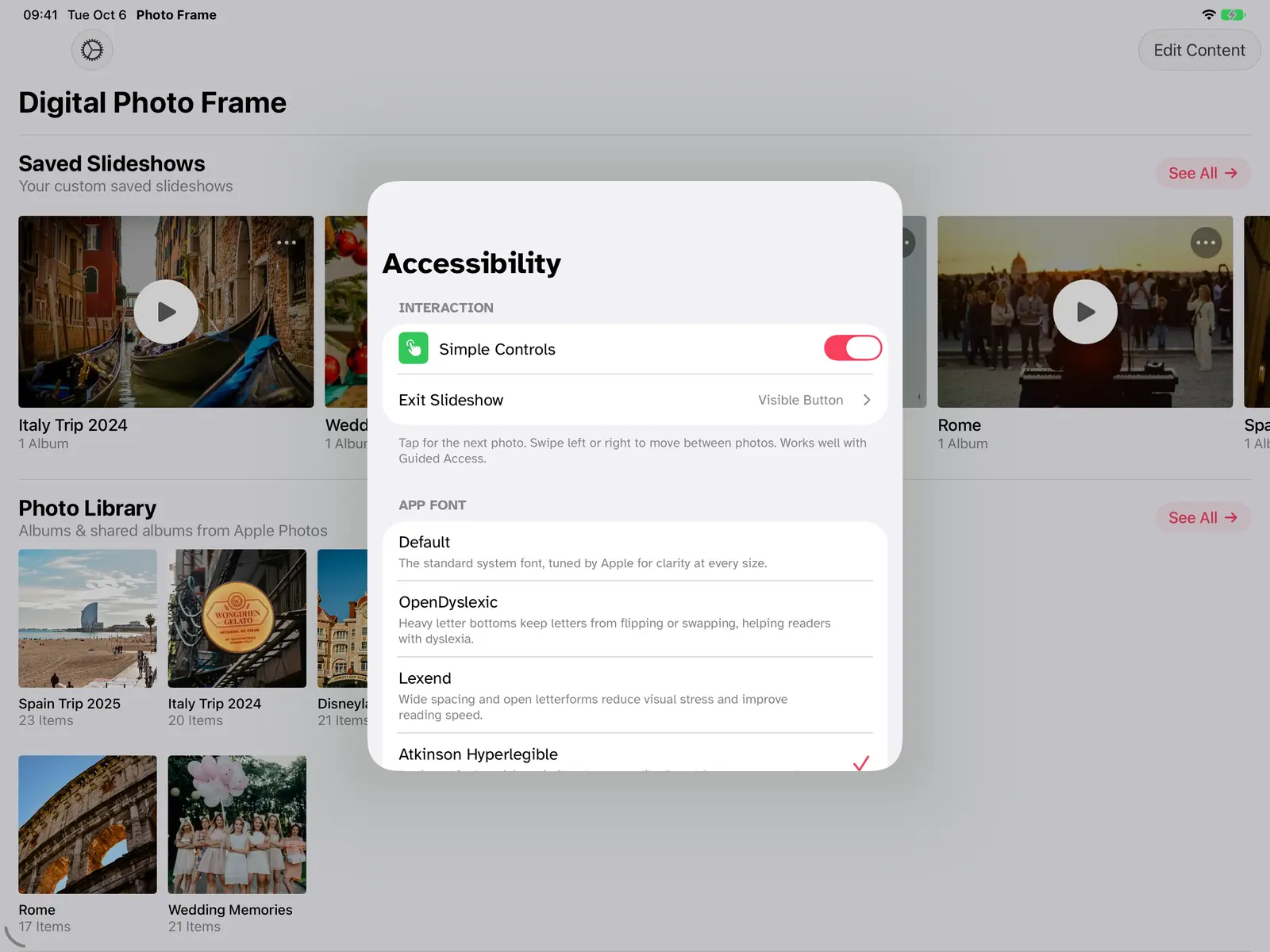 Guides Digital Photo Frame for Grandparents: Easy iPad Setup
A digital photo frame for grandparents that updates itself: the family adds photos to a shared album and they appear on…
Guides Digital Photo Frame for Grandparents: Easy iPad Setup
A digital photo frame for grandparents that updates itself: the family adds photos to a shared album and they appear on…
 Guides How to Make a Family Photo Slideshow (with Music)
Make a family photo slideshow for a reunion, anniversary or birthday: pick photos from several albums, set the order, a…
Guides How to Make a Family Photo Slideshow (with Music)
Make a family photo slideshow for a reunion, anniversary or birthday: pick photos from several albums, set the order, a…
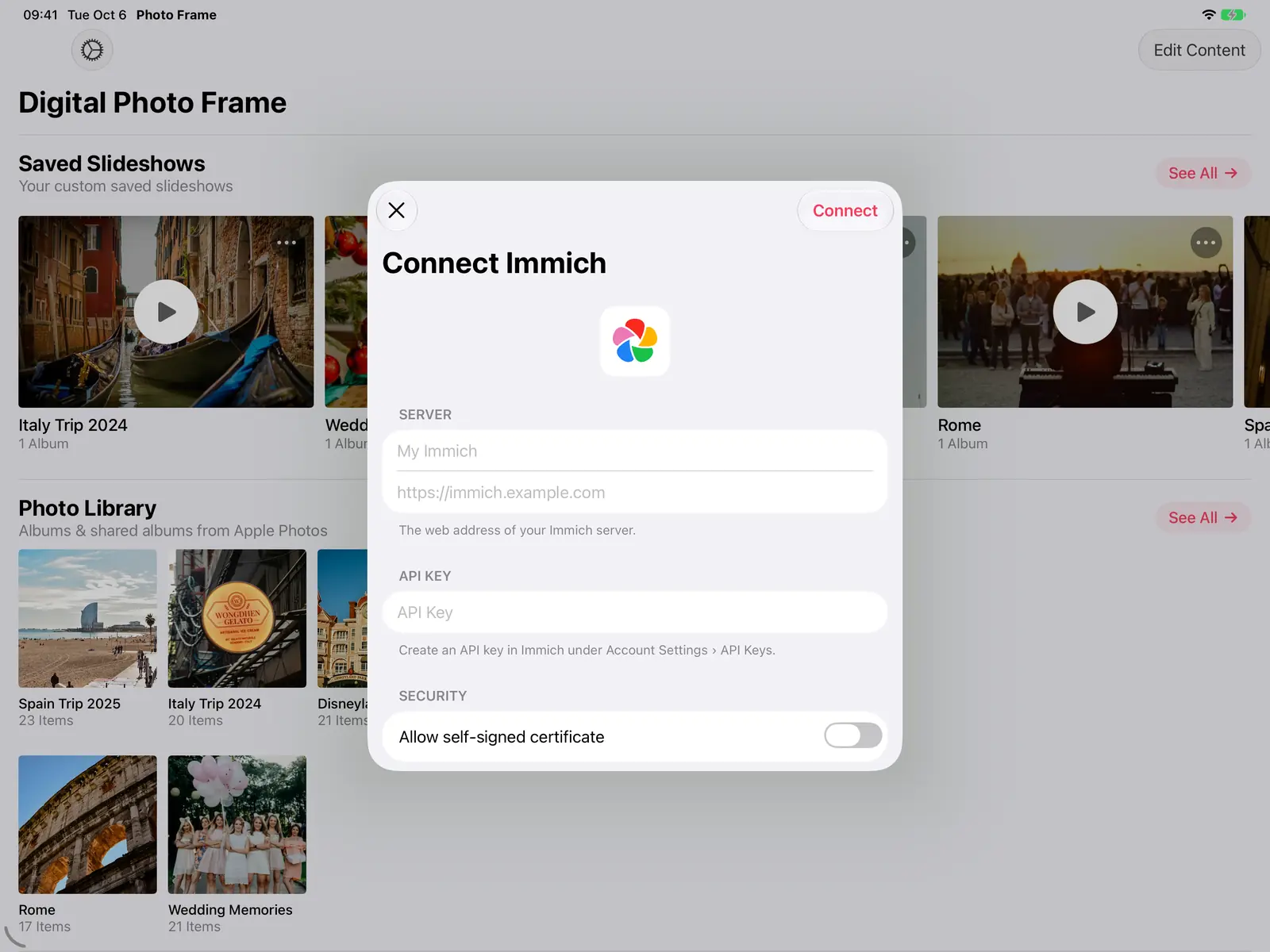 Guides Immich and NAS Photo Frame for iPad and Apple TV
A self-hosted photo frame for iPad, iPhone, Mac and Apple TV: show photos from Immich, Synology, QNAP, Nextcloud or any…
Guides Immich and NAS Photo Frame for iPad and Apple TV
A self-hosted photo frame for iPad, iPhone, Mac and Apple TV: show photos from Immich, Synology, QNAP, Nextcloud or any…
 Download Now
