Slideshow Transition Effects for Your Photo Frame
Every slideshow transition in Digital Photo Frame App, from a gentle fade to Origami and Page Curl, plus Ken Burns motion, speed, mat boards and borders.

October 05, 2025 by Manuel Escrig · 4 min read
Updated October 2026
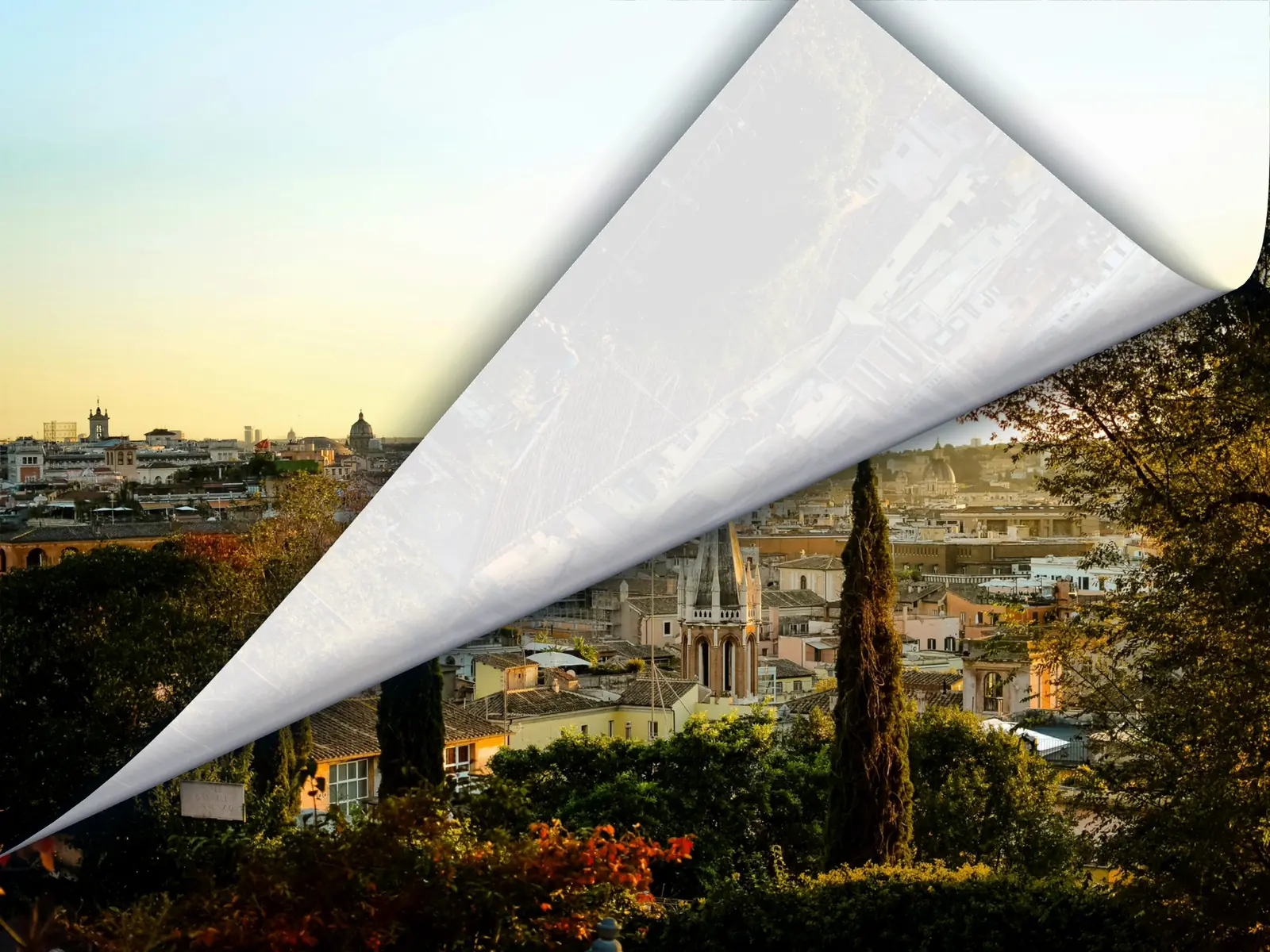
The transition is what you notice between two photos, and on a frame you watch all day it sets the mood: calm and barely there, or playful. Digital Photo Frame App has 13 transitions, a Random option, three speeds and a Ken Burns motion effect. Here's what each one does and how to choose.
I make this app, so here's my honest advice up front: for a frame that's on all day, the quiet transitions win.
- 13 transitions plus Random, under Transitions in the slideshow settings, with a live preview.
- Allow Multiple Selection mixes several of them.
- Transition Speed (Slow, Normal, Fast) is separate from how long each photo stays on screen.
- The Ken Burns Effect adds a slow pan and zoom, with Gentle Sweep or Full Sweep.
- Frame Style adds a mat board or a white border.
Where to find them
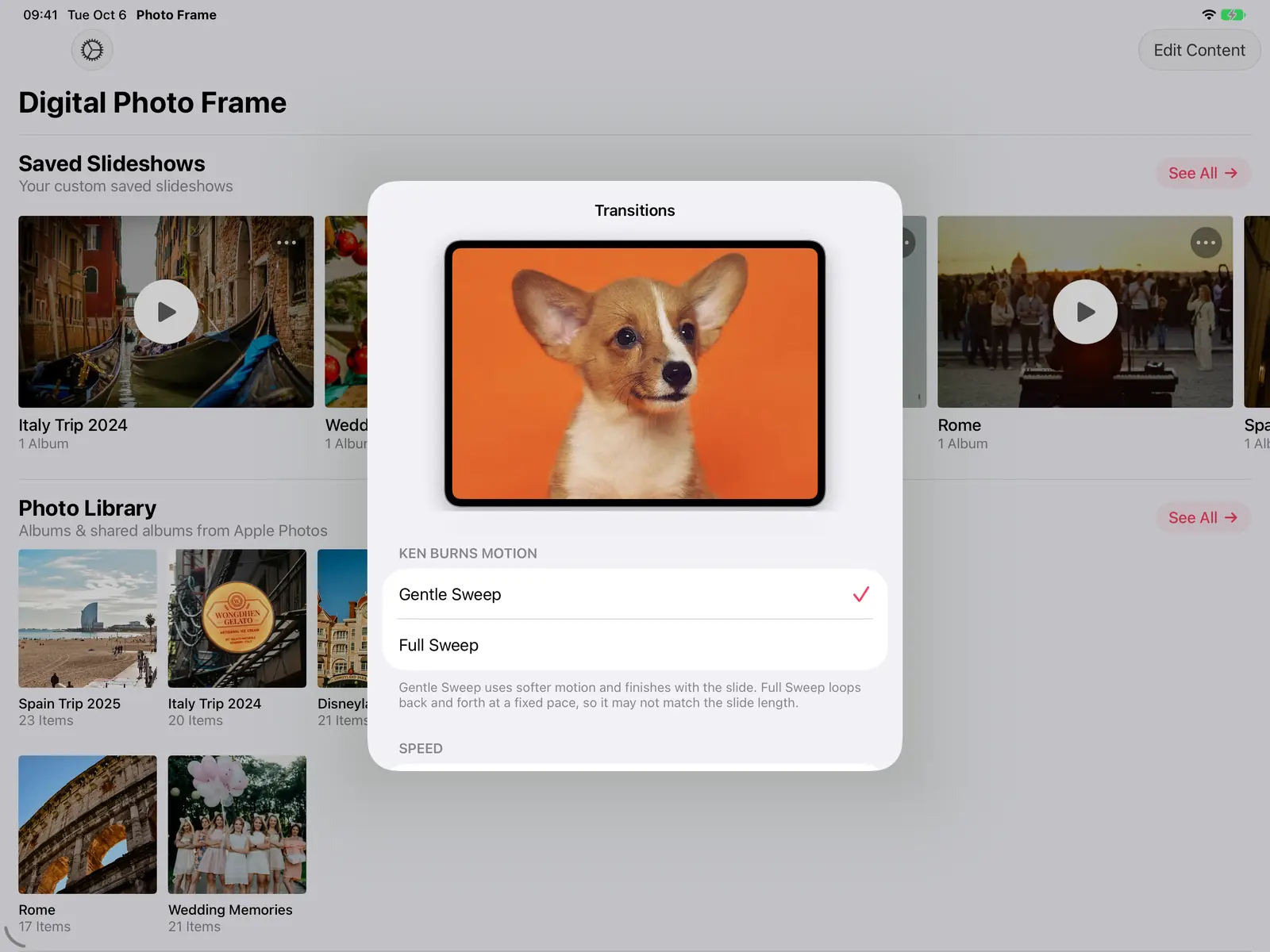
Open the slideshow settings and tap Transitions. A small preview at the top plays the transition you select, so you can try them before starting the slideshow.
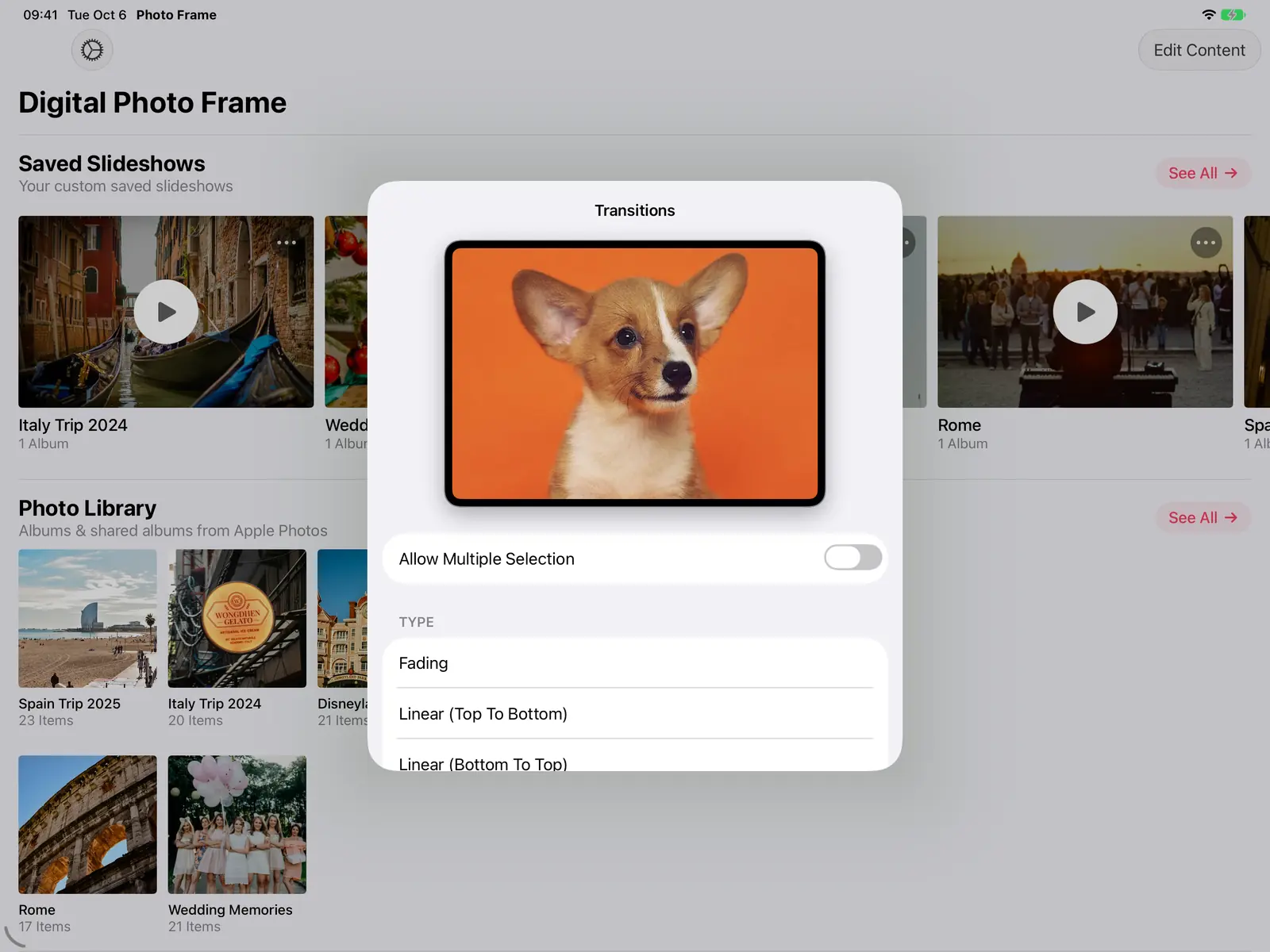
Turn on Allow Multiple Selection to pick several transitions, and the slideshow mixes them.
All the transitions
| Transition | What it does | Good for |
|---|---|---|
| Fading | The next photo fades in over the current one | Any frame, all day |
| Fade to White / Fade to Black | The photo fades out to white or black before the next one appears | A softer, more deliberate pace |
| Linear (four directions) | The next photo slides in from the top, bottom, left or right | A clean, modern look |
| Zoom Out | The photo shrinks away to reveal the next one | Short, lively slideshows |
| Rotate | The photo turns as it changes | Parties and events |
| Flip | The photo flips over like a card | Parties and events |
| Page Curl | The photo peels back like a page of a book | Albums with a storybook feel |
| Origami | The photo folds away in halves, like closing a paper map | A playful touch |
| Ken Burns Effect | Slow pan and zoom across each photo | Landscapes, and frames you glance at from afar |
| Random | A different transition each time | Variety without choosing |

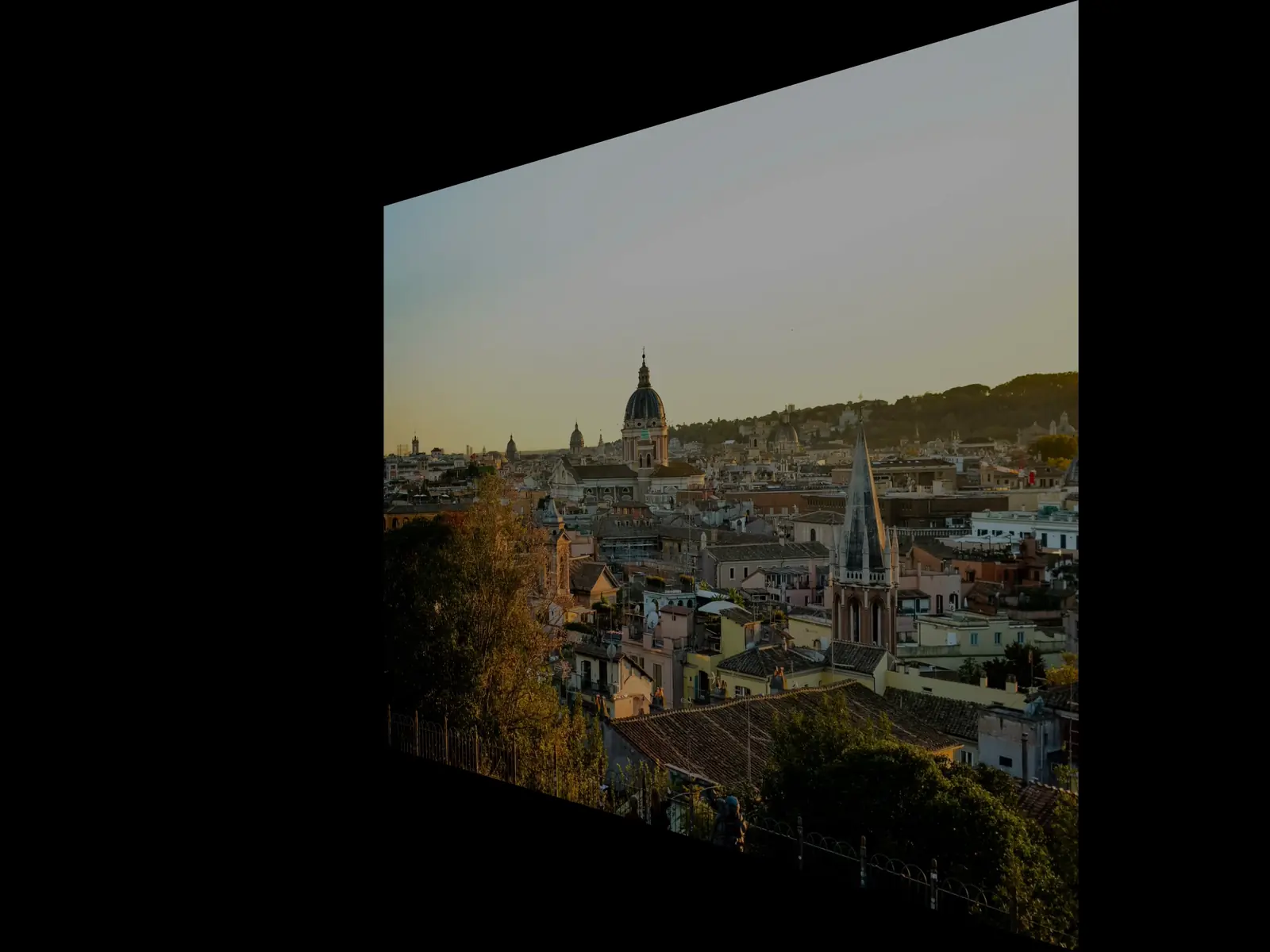
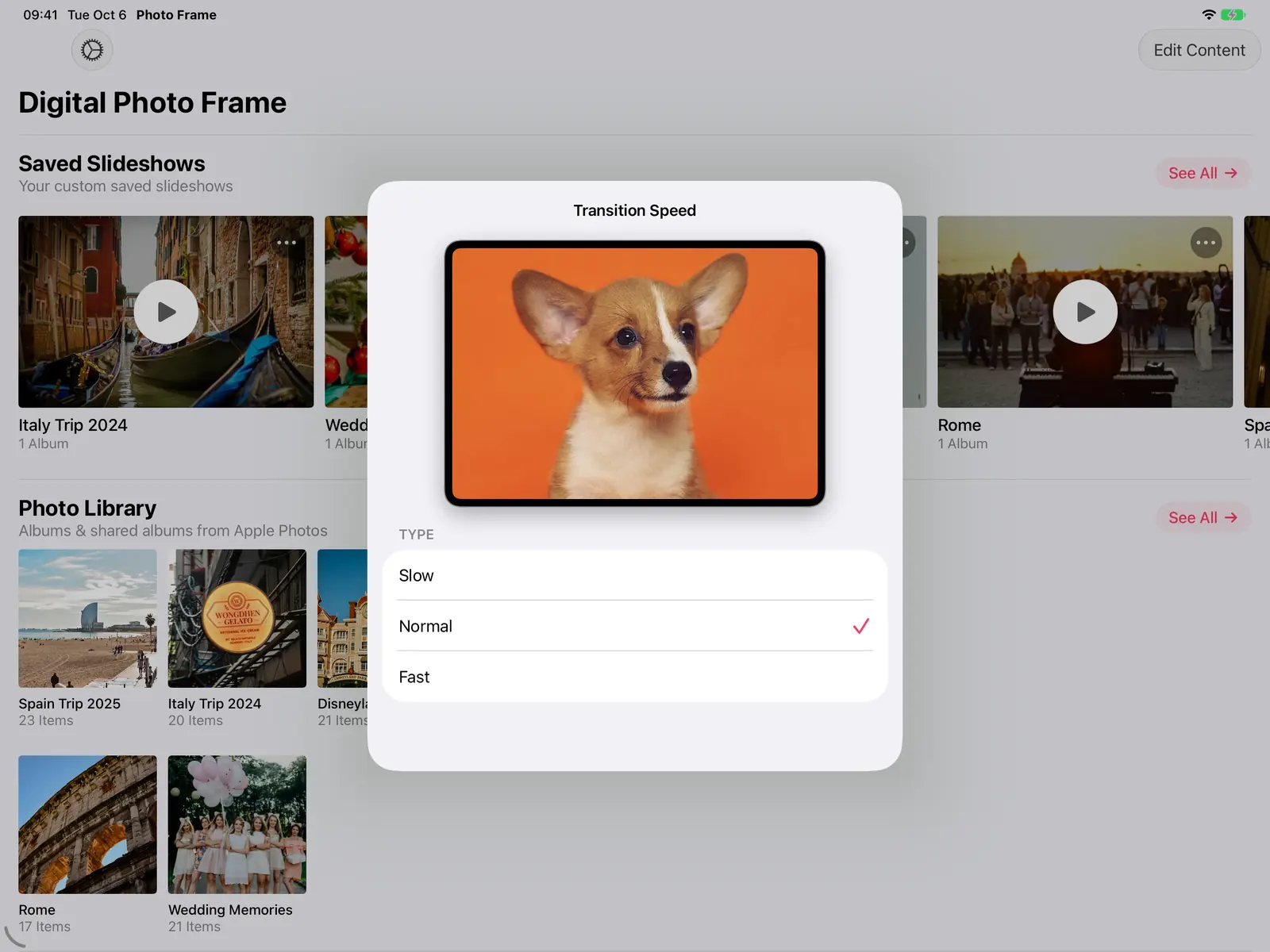
Speed
Transition Speed sets how long the change itself takes: Slow, Normal or Fast. It's separate from how long each photo stays on screen (Slide duration).
Ken Burns motion
The Ken Burns Effect slowly moves across each photo. Choose how it moves under Ken Burns Motion:
- Gentle Sweep uses softer motion and finishes with the slide.
- Full Sweep loops back and forth at a fixed pace, so it may not match the slide length. It suits long slide durations.
Frame the photo: mat board and border
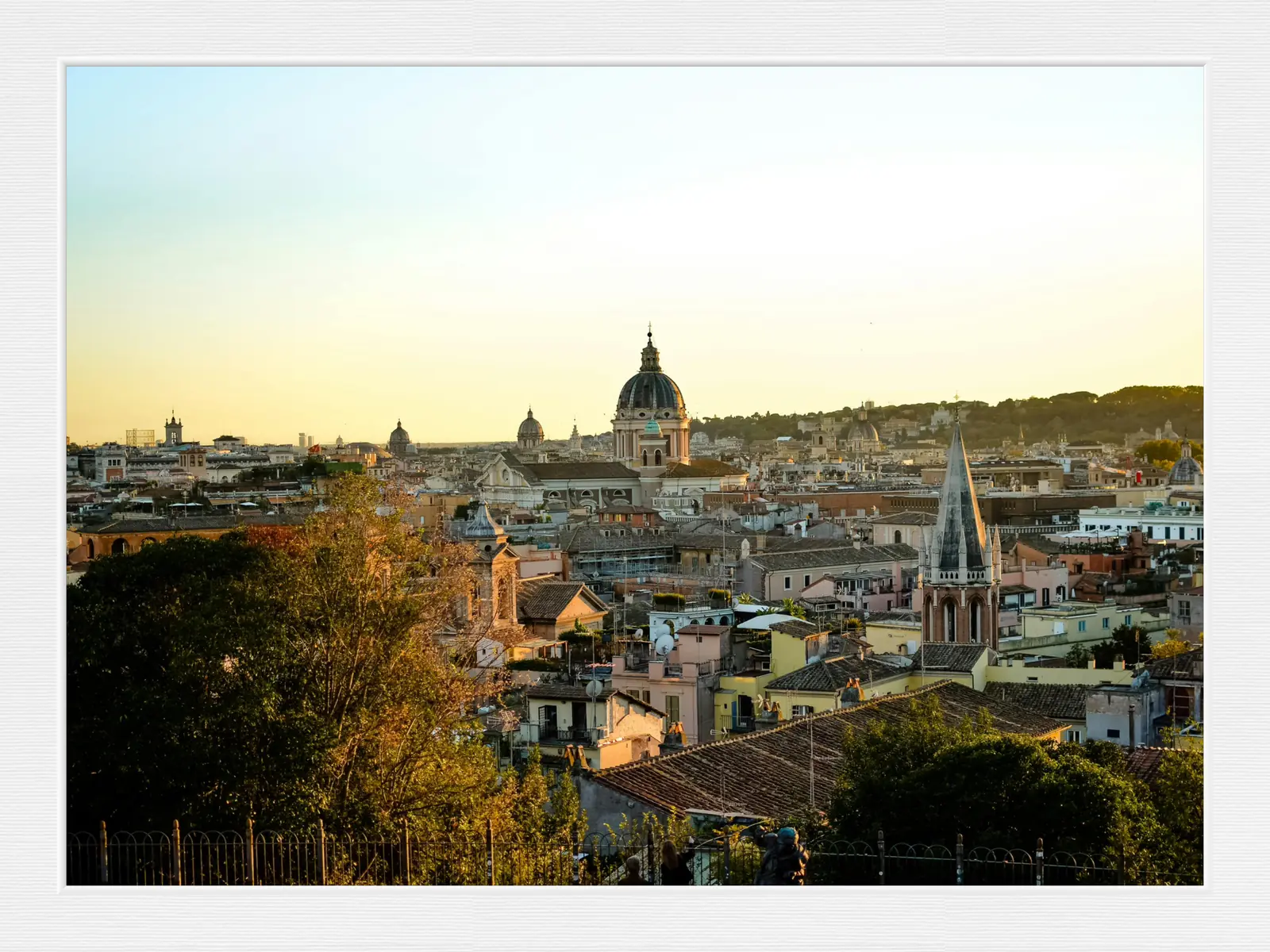
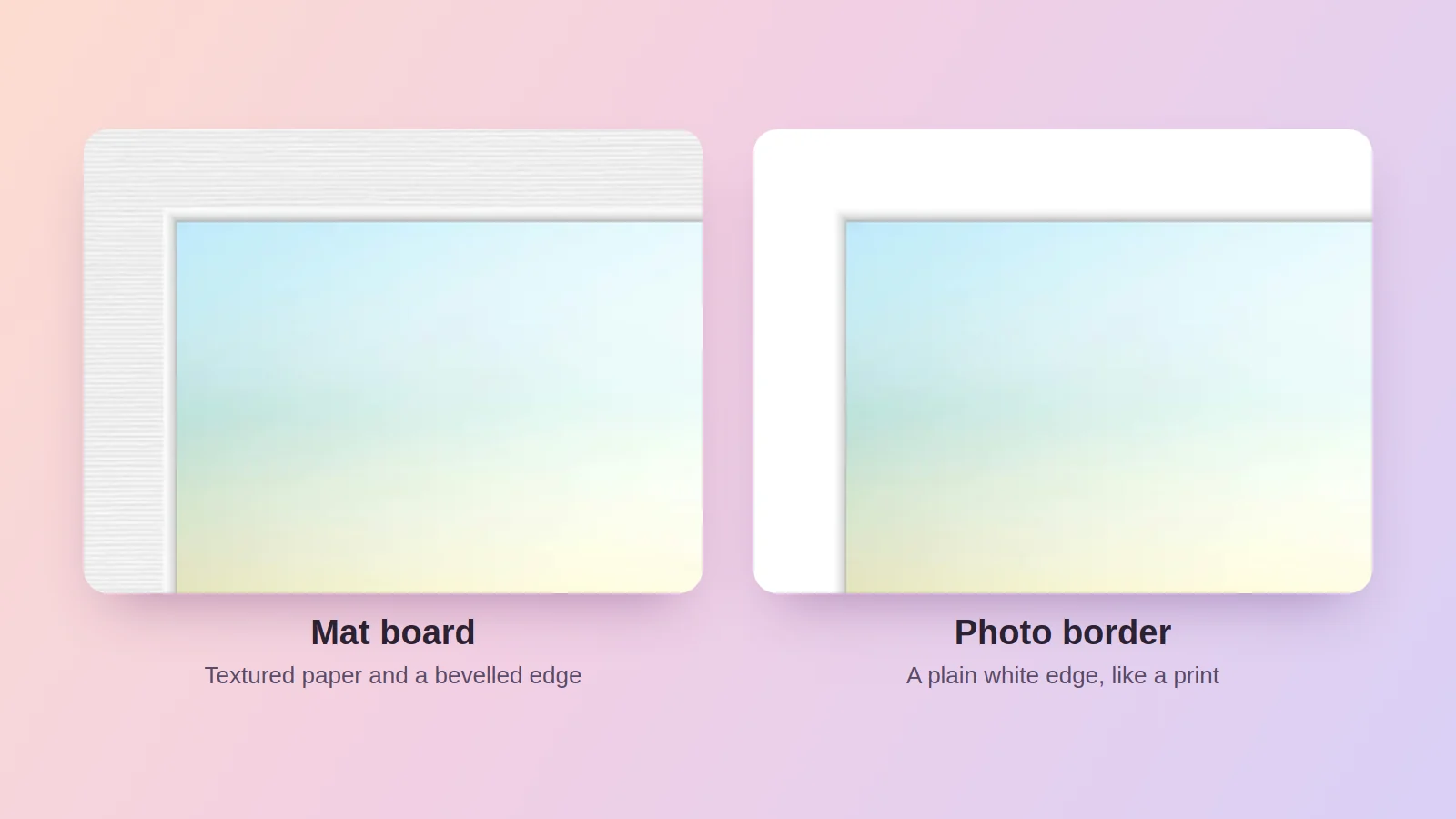
Under Frame Style you can put a mat board around each photo, like a framed print, choosing its width, colour, bevel and a paper or linen texture, or add a white border. The border moves with the photo during transitions, as if it were part of the print.
Which to choose
- For a frame you live with all day: Fading at Normal or Slow speed, or Ken Burns with Gentle Sweep. They're the least distracting.
- For a party or a slideshow on the TV: turn on Allow Multiple Selection and mix Page Curl, Origami and Flip, or use Random.
- For mixed portrait and landscape photos: pair the transition with Adaptive Fill so nothing gets heavily cropped; see how to turn your iPad into a digital photo frame.

Frequently asked questions
Are the transitions the same on Apple TV?
Yes, the Apple TV app has the same transitions, controlled with the Siri Remote. See Apple TV photo frame.
Do transitions work with videos and Live Photos?
Yes. Videos and Live Photos play in the slideshow and the transition runs between them like any photo.
Do exported slideshow videos keep the transitions?
Yes. When you export a slideshow as a video, the transitions are included.
 Share on Facebook
 Share on X
Keep reading
All posts →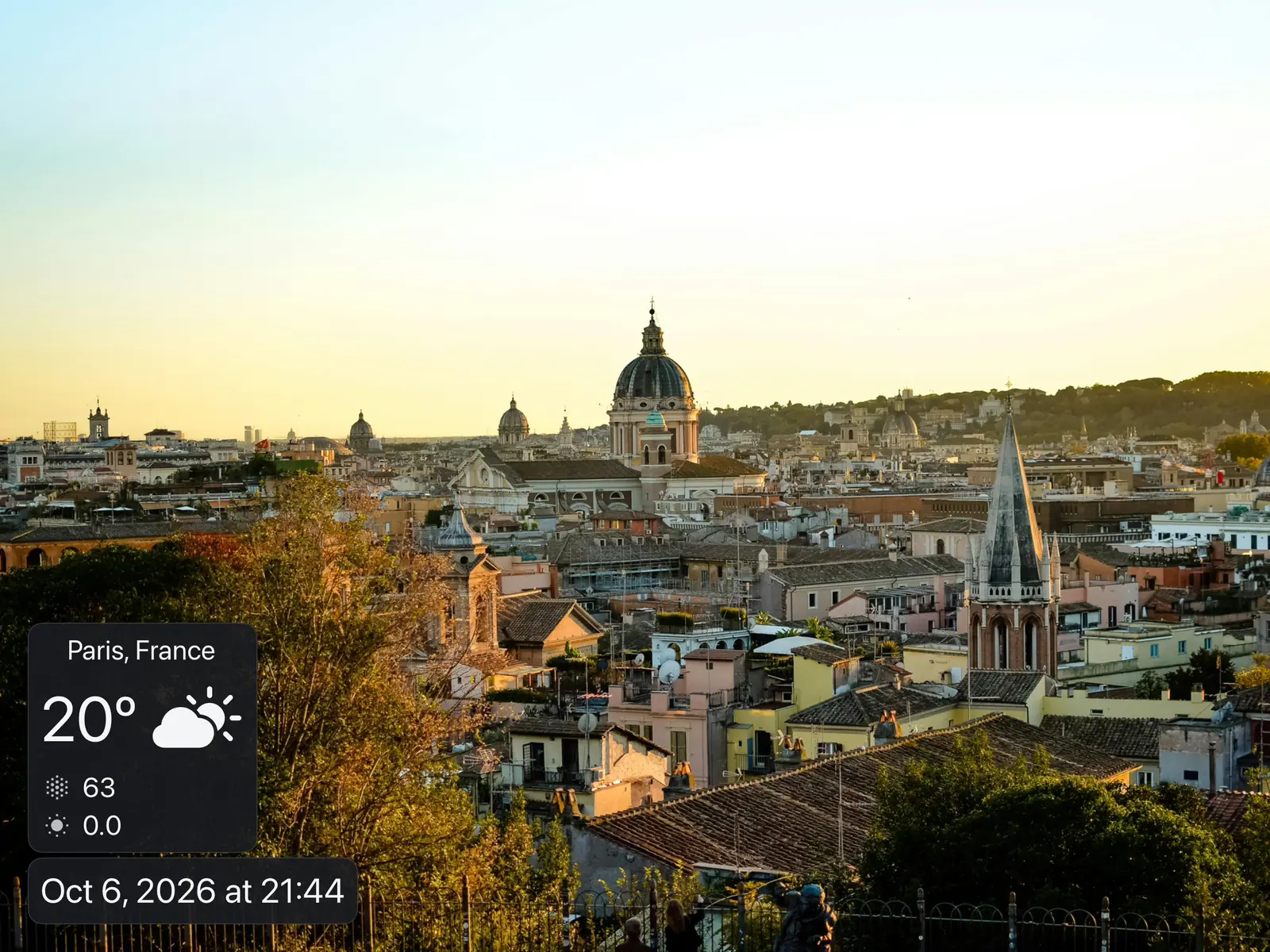 Guides Photo Frame with Clock and Weather on iPad
Show the time, date, weather, air quality, UV index and your calendar over a photo slideshow on iPad, iPhone, Mac or Ap…
Guides Photo Frame with Clock and Weather on iPad
Show the time, date, weather, air quality, UV index and your calendar over a photo slideshow on iPad, iPhone, Mac or Ap…
 Guides Live Photos and Videos in a Photo Frame Slideshow
Turn your iPad or Apple TV into a video and live photo frame: play Live Photos and videos in the slideshow, with or wit…
Guides Live Photos and Videos in a Photo Frame Slideshow
Turn your iPad or Apple TV into a video and live photo frame: play Live Photos and videos in the slideshow, with or wit…
 Guides Digital Photo Frame with Music: Add Songs to Slideshows
Add background music to your photo frame slideshow: built-in songs or your own library, with music that fades out for L…
Guides Digital Photo Frame with Music: Add Songs to Slideshows
Add background music to your photo frame slideshow: built-in songs or your own library, with music that fades out for L…
 Download Now
