
How To Get Started
Turn your iPad into a digital photo frame with slideshow in just four simple steps.
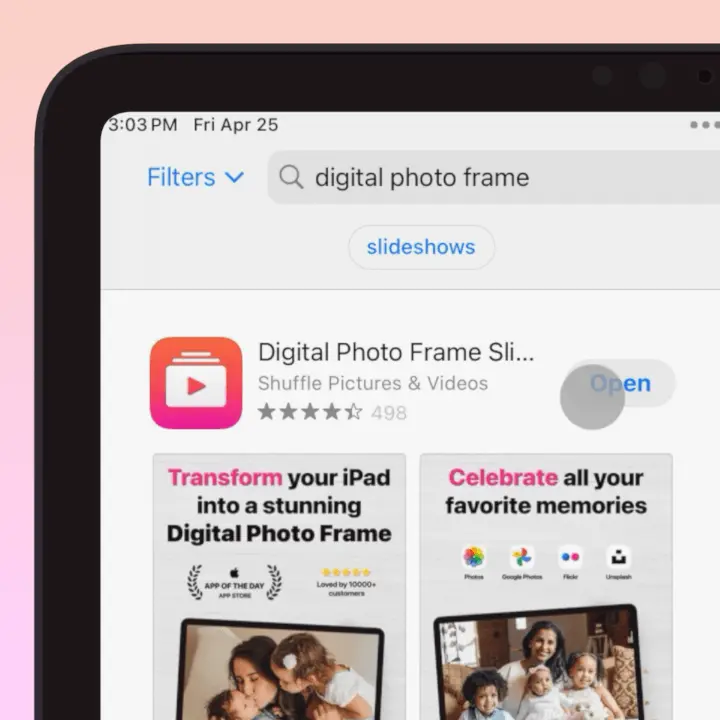
Download the App
Search for "Digital Photo Frame App" in the App Store and install it on your iPad, iPhone, or Mac.
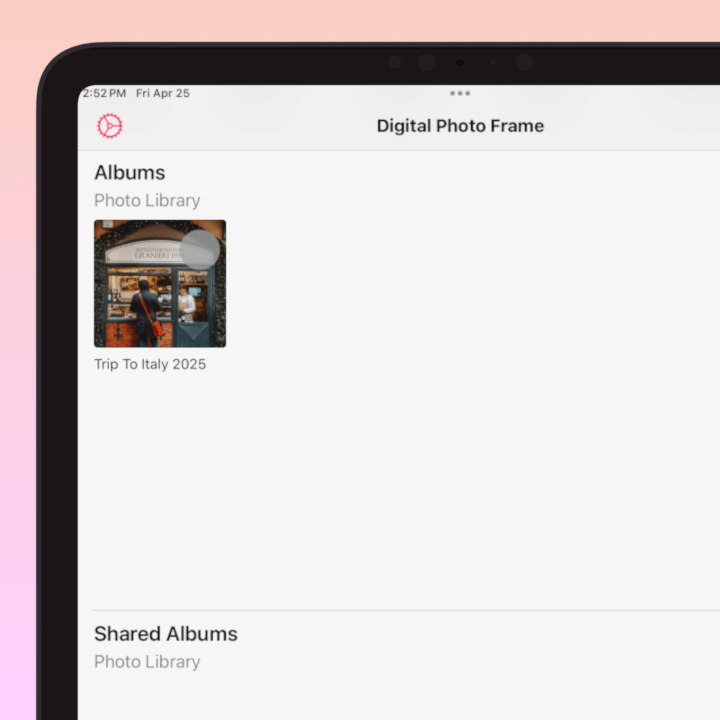
Choose Your Photos
Select albums from your photo library, Files, iCloud, Google Photos, or any other connected source.
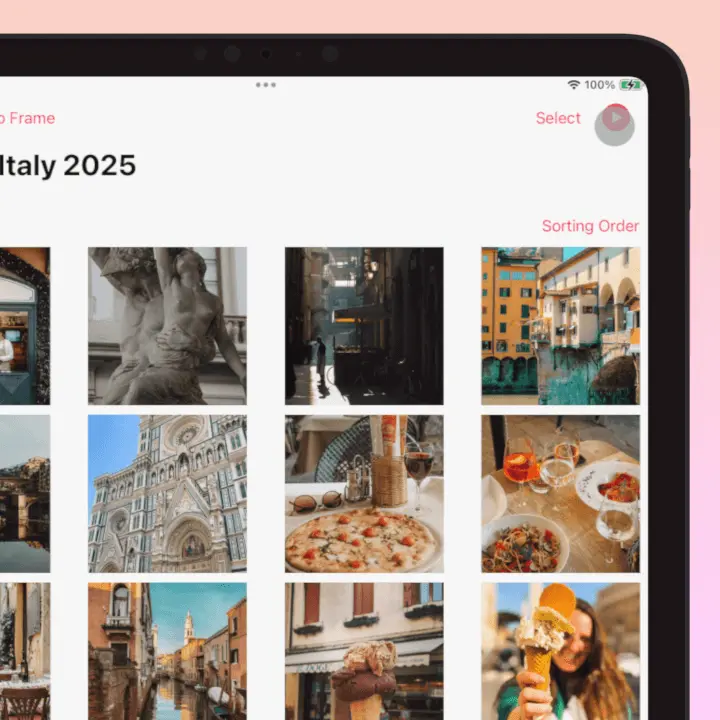
Press Play
Start your slideshow with the default settings or customize transitions, timing, and effects.
Enjoy Your Memories!
That's it! Sit back, relax, and rediscover your favorite moments in stunning high-resolution quality.

Multiple Photo Sources
Connect to your favorite photo sources and display all your memories in one place.

Apple iCloud
Seamlessly access and display all your photos and videos from Apple iCloud.

Files
Browse and display photos and videos from the Files app, including folders stored locally or in connected cloud services.

Dropbox
Play photos and videos straight from your Dropbox, connected through the Files app.

OneDrive
Show photos and videos from your Microsoft OneDrive, connected through the Files app.

Google Drive
Display photos and videos stored in your Google Drive, connected through the Files app.

Google Photos
Pick photos and videos from your Google Photos library and add them to your slideshows.

Immich
Connect your self-hosted Immich server and stream your albums straight to your frame.

NAS / WebDAV
Browse and play photos and videos from a Synology, QNAP, Nextcloud or any WebDAV server.

Flickr
Display your entire Flickr photo library and albums with ease.

Unsplash
Access millions of beautiful, free images from Unsplash.
*More sources coming soon. Stay tuned for updates!
Powerful Features
Explore the extensive suite of features that turn your device into a premium digital photo frame.
Video Playback
Mix videos with photos in your slideshows. Support for multiple video formats and playback options.

Live Photos Support
Bring your memories to life with Apple's Live Photos. See the moments captured in motion.

Music & Audio NEW
Add background music to your slideshows from the built-in tracks or your own music library, and keep the original sound from your videos and Live Photos. Create the perfect ambiance for your photo displays.

Image Information Display
View detailed photo metadata including date taken, location, camera model, lens information, and more alongside your images.

Calendar Integration
Display your calendar events alongside your photos. Never miss important dates while enjoying your memories.

Date and Time Display
Always stay on schedule with customizable date and time display. Choose the date format, size and style.

Weather with AQI & UV Index
Stay informed with current weather conditions, air quality index, and UV index alongside your photos.

Transition Types and Speed
Choose from more than 10 different transition types, including Ken Burns effect. Customize transition speed for the perfect viewing experience.

Photo Ordering & Shuffling
View your photos how you want them. Choose between shuffled random order, chronological sorting, or custom arrangement.

Timer & Night Mode
Set multiple timers that can be configured on different days. Start and stop based on a daily schedule.

TV Display Options
Enjoy your slideshows on the big screen with the dedicated Apple TV app, or send them to any TV with AirPlay.

High Resolution Display
Leverage the superior Retina display of your iPad, offering far better resolution and color accuracy than typical digital photo frames.

Internet Connected Features
When connected to the internet, enjoy enhanced features like weather updates, and cloud photo syncing.

Offline Use & Local Storage
No internet? No problem. Digital Photo Frame App works perfectly without WiFi, using local storage to display your favorite photos.

Battery & Cordless Options
Use your device as a cordless photo frame for hours. Perfect for events or spaces without accessible power outlets.

Export & Share Slideshows NEW
Turn any slideshow into a video, complete with your transitions, mat board, Live Photos and music, then share it with family anywhere.

Home Screen Widgets NEW
Add your saved slideshows to your Home Screen in small, medium and large sizes for a glance at your memories.

Mat Board Frames NEW
Frame your photos like real prints with mat board borders, bevels and paper or linen textures.

Collage & Smart Pair NEW
Show more than one photo per slide. Smart Pair places two portrait photos side by side so no space goes to waste.

Accessibility NEW
Simple Controls, dyslexia-friendly fonts, gentle sounds and haptics make the app easy for everyone, from kids to grandparents.

The Most Popular Digital Photo Frame App
Download the digital photo frame app with slideshow now
and turn your iPad into a beautiful digital picture frame.
 Download Now
