

What it does on the iPad
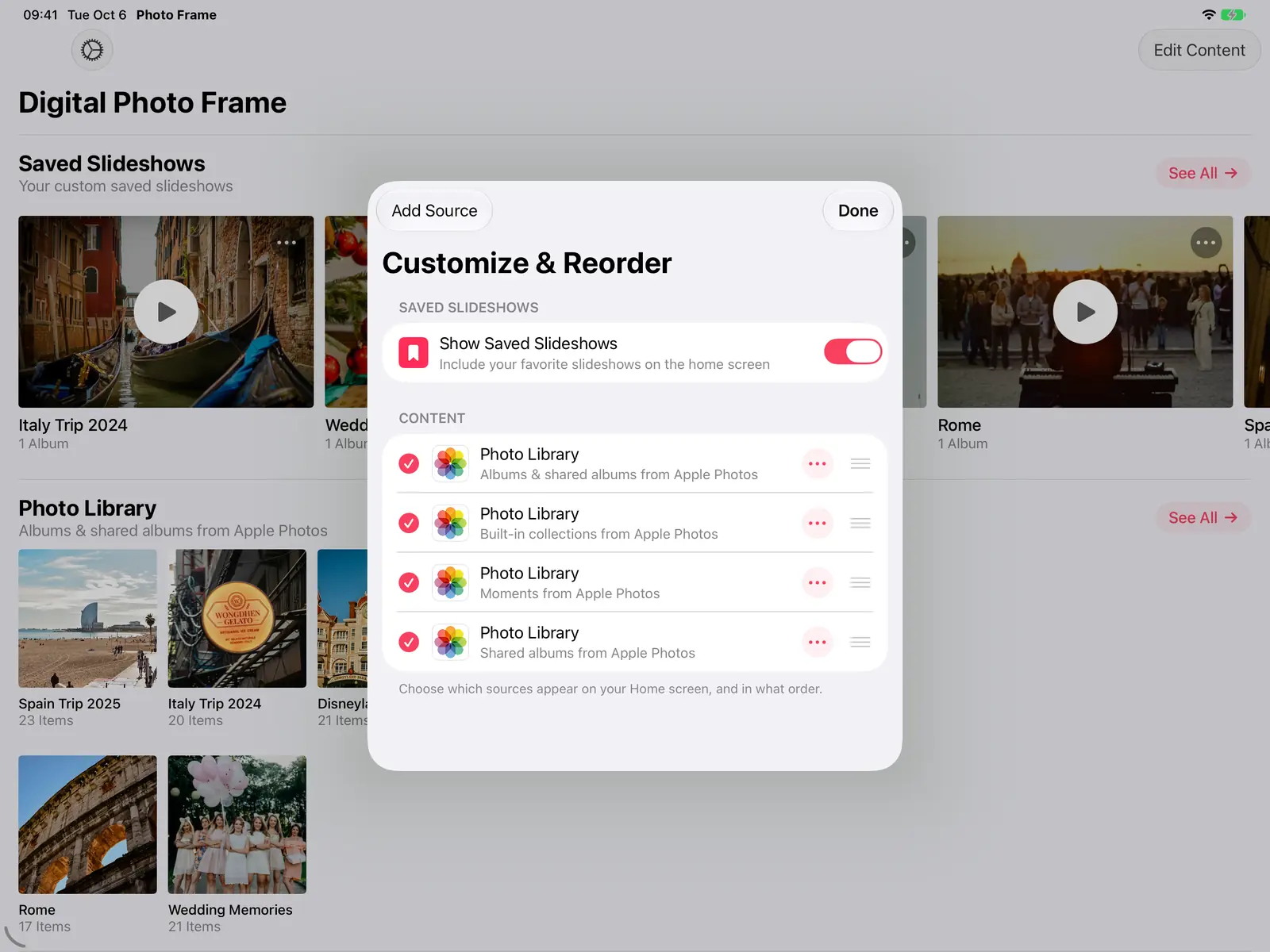
Family photos arrive on their own
Play an iCloud Shared Album and anyone in the family can add photos from their own iPhone. New photos join the slideshow while it plays, so the frame keeps changing without anyone touching it.
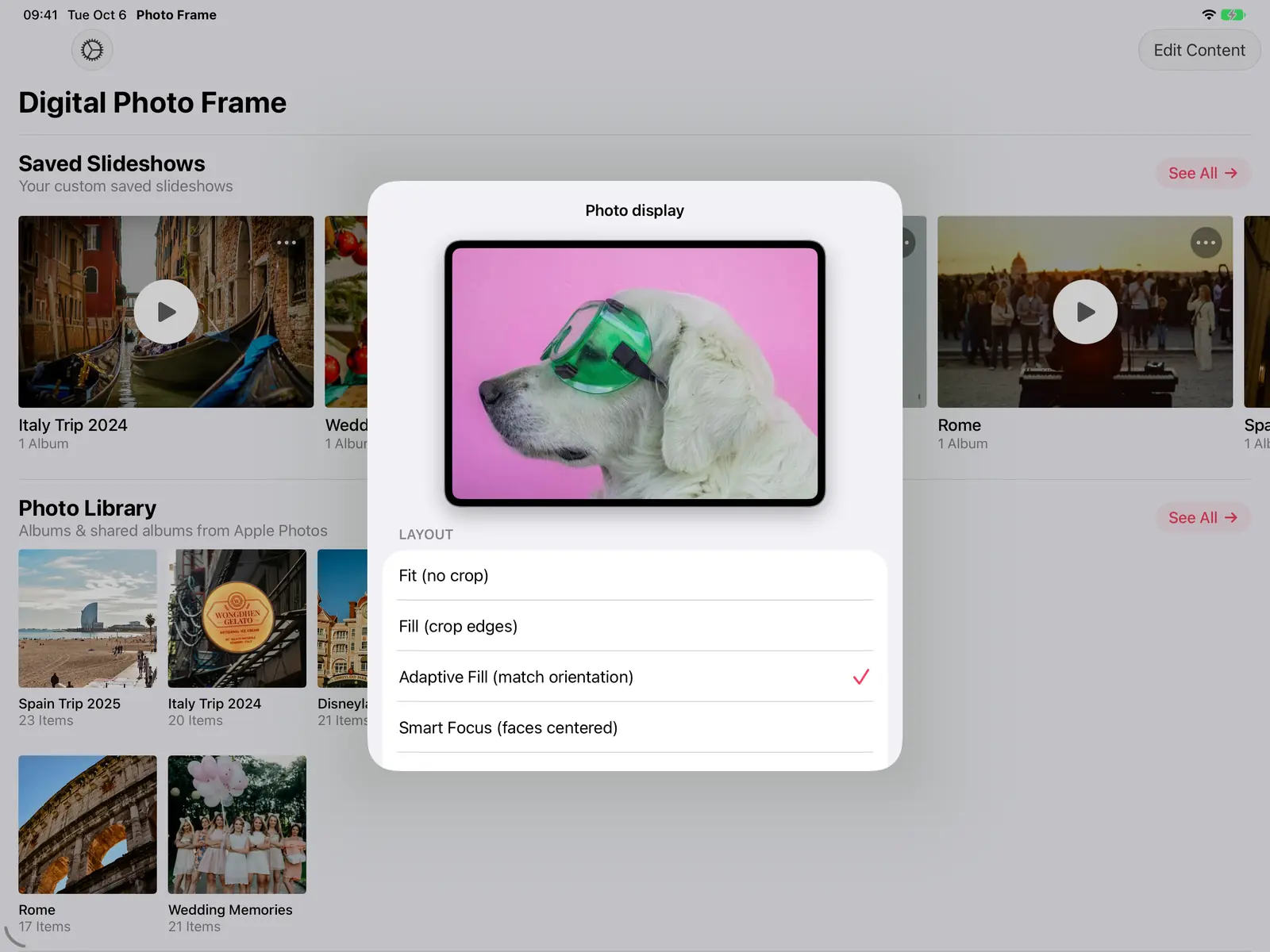
Every photo looks right
With Adaptive Fill, photos that match the iPad's orientation fill the screen and the others are shown whole, so portrait shots aren't cut in half. Smart Focus keeps faces in view when a photo has to be cropped.
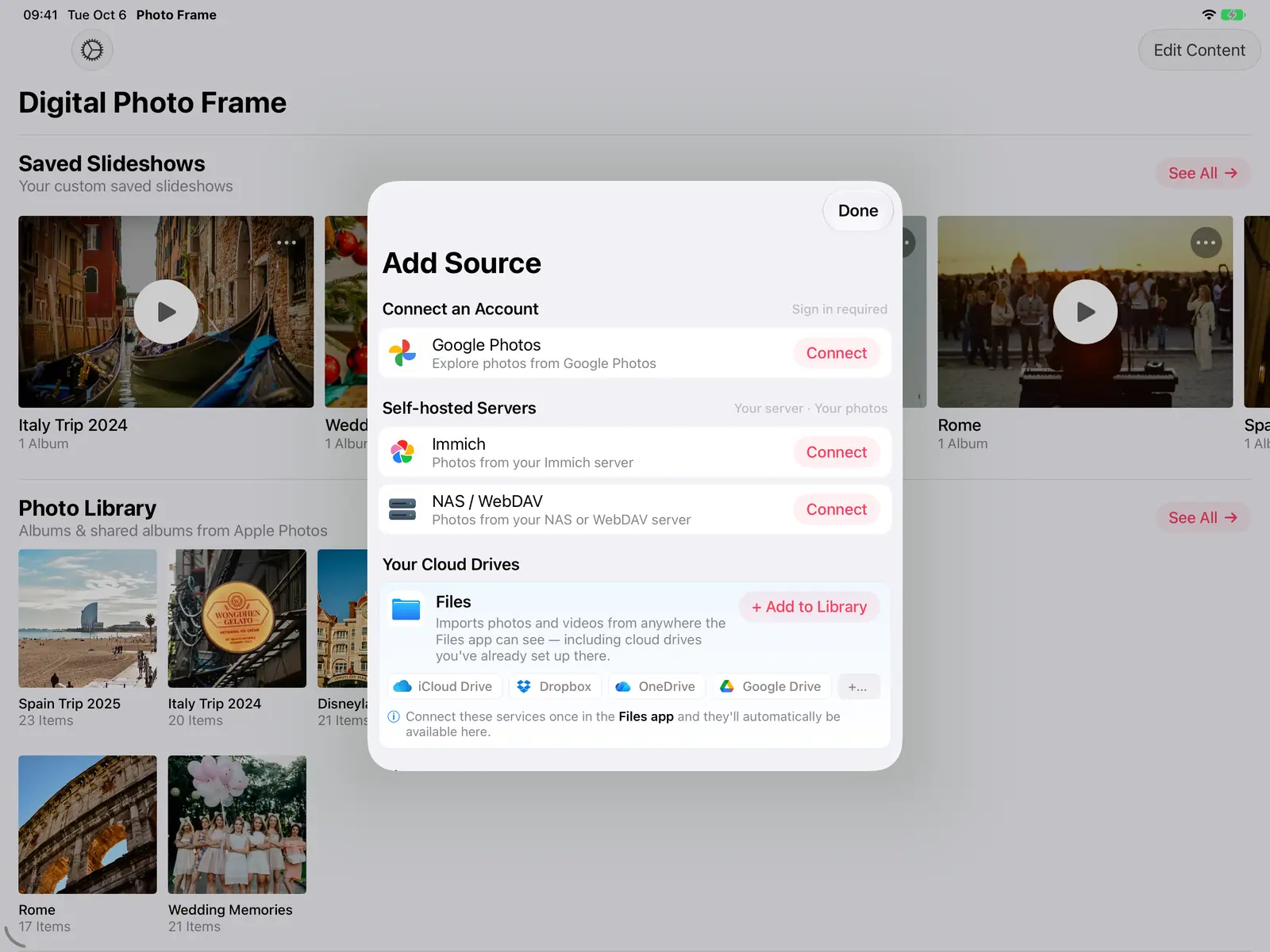
Your photos, wherever they live
Add Source connects Google Photos, an Immich server, a NAS or WebDAV server, and folders from the Files app, which covers iCloud Drive, Dropbox, OneDrive and Google Drive. A saved slideshow can mix photos from several of them.
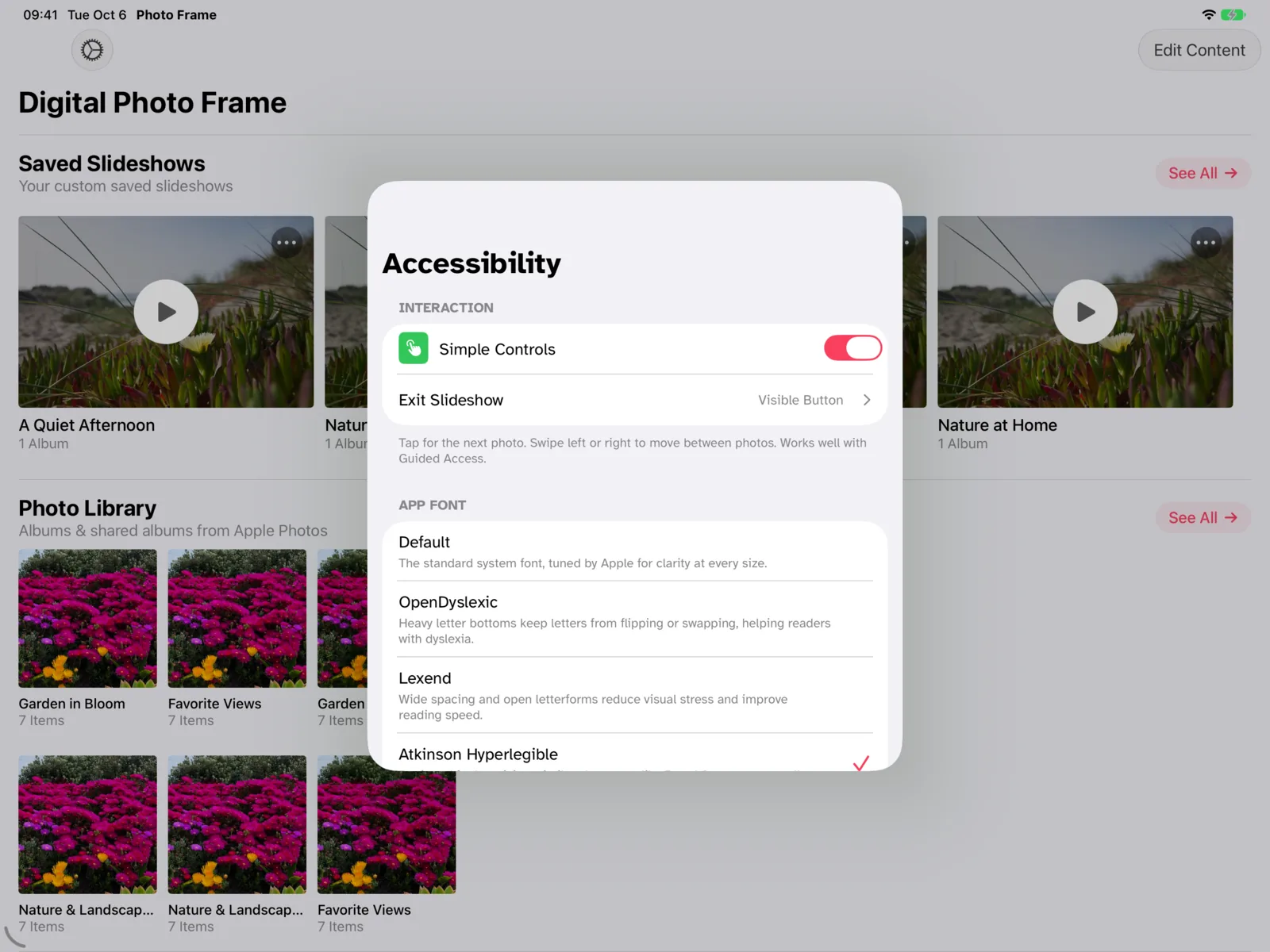
Safe to hand to anyone
Simple Controls make a tap show the next photo instead of opening menus, and a passcode keeps the slideshow and its settings locked. Ideal for a frame at your parents' or grandparents' home.
What it looks like at home
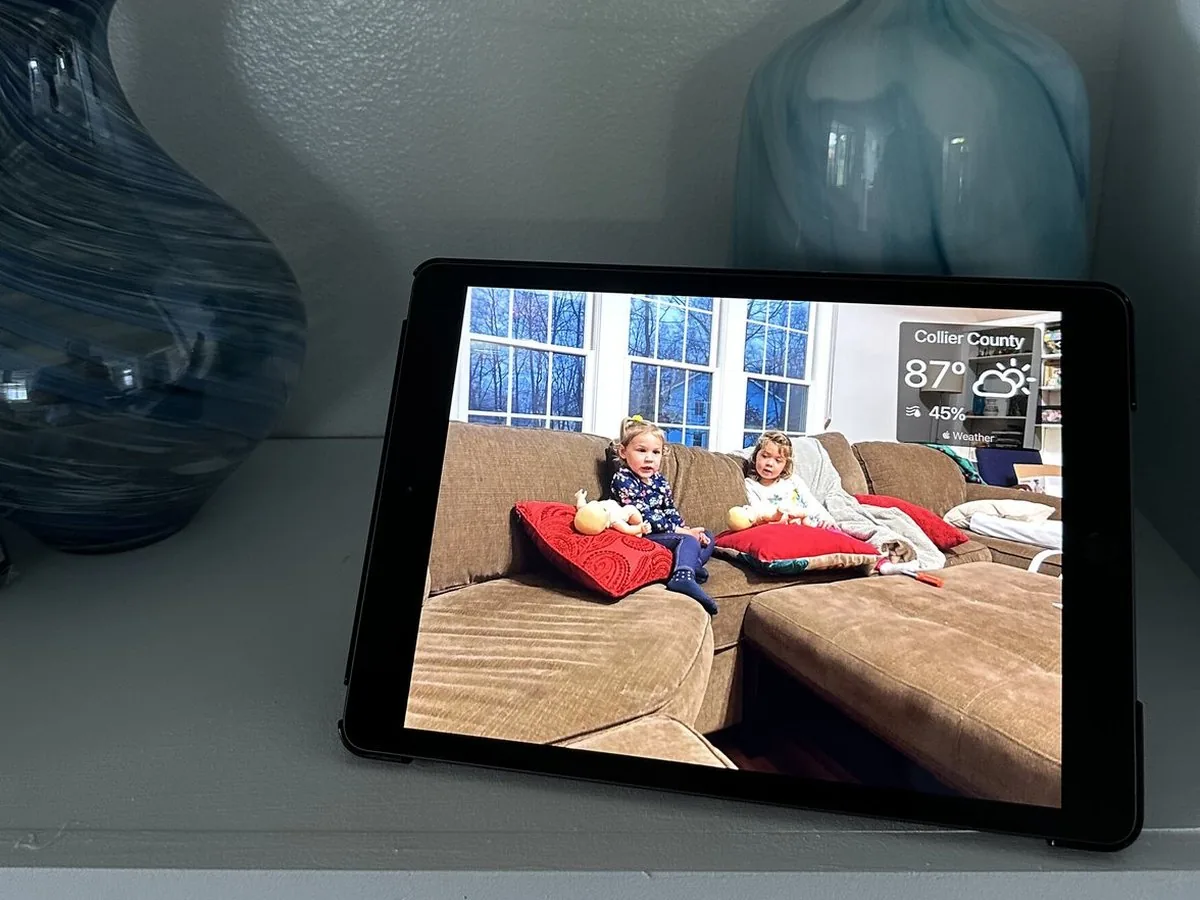
Real iPads on kitchen counters and shelves, playing family photos all day.


Set it up in three steps
Pick your photos
Allow access to your photos, then play an album or a shared album, or add a source like Immich or a NAS.
Make it start by itself
Save the slideshow and turn on Enable Auto-Play, so it starts whenever the app opens.
Let it rest at night
A Slideshow Schedule closes the app at night, and a free Shortcuts automation starts it again in the morning.
- Keep the iPad plugged in. A photo frame is on all day, so a charger and a simple stand are part of the setup.
- Google Photos works differently since Google's 2025 changes: you pick photos in Google's own picker, and new photos in a Google album don't appear by themselves. For a frame that updates itself, use an iCloud Shared Album.
- Apple doesn't let apps wake an iPad on their own, which is why the morning start uses a Shortcuts automation.
- The current version needs iPadOS 15. Older iPads that stop at iOS 12 can't install it.
Frequently Asked Questions
Which iPads can be a photo frame?
Any iPad that runs iPadOS 15 or later: iPad Air 2, iPad mini 4, iPad (5th generation) and every newer model, and every iPad Pro.
Does the iPad need Wi-Fi?
Only for new photos from the cloud and for the weather. A saved slideshow set to Make Available Offline plays without a connection.
Can family add photos from far away?
Yes, with an iCloud Shared Album. Photos they add from their iPhone, iPad or Mac appear on the frame while the slideshow runs. Since iOS 27, people without an Apple device can add photos to a shared album from the web.
Can I stop people from leaving the slideshow?
Set a passcode in the app so nobody can stop the slideshow or change settings without it. To keep the iPad in the app entirely, use Guided Access: see how to lock your iPad into a single app.
How much does it cost?
The app is free to download. Premium is $2.99 a month, $19.99 a year with a 7-day free trial, or $69.99 once (US prices), and works with Family Sharing.
Research
We studied one year of anonymous, aggregated slideshow data from the app. Almost half (46.7%) of the slideshow installations ran on iPad models introduced before 2020. Read the research paper.