Google Photos vs iCloud for a Digital Photo Frame
Which photo source works best for a digital photo frame? iCloud and Google Photos compared on automatic updates, family sharing, Live Photos and Apple TV.

August 30, 2025 by Manuel Escrig · 4 min read
Updated October 2026
For a digital photo frame on an iPad, iPhone, Mac or Apple TV, iCloud Photos is the better source: albums and shared albums update by themselves. Google Photos works too, but since Google's 2025 changes an app only sees the photos you pick, so you refresh the selection by hand.
- Want a frame that updates by itself when family adds photos? Use iCloud, ideally an iCloud Shared Album.
- Your photos live in Google Photos and you're happy to pick a set and refresh it now and then? Google Photos works well.
- Apple TV or Live Photos? Only iCloud.
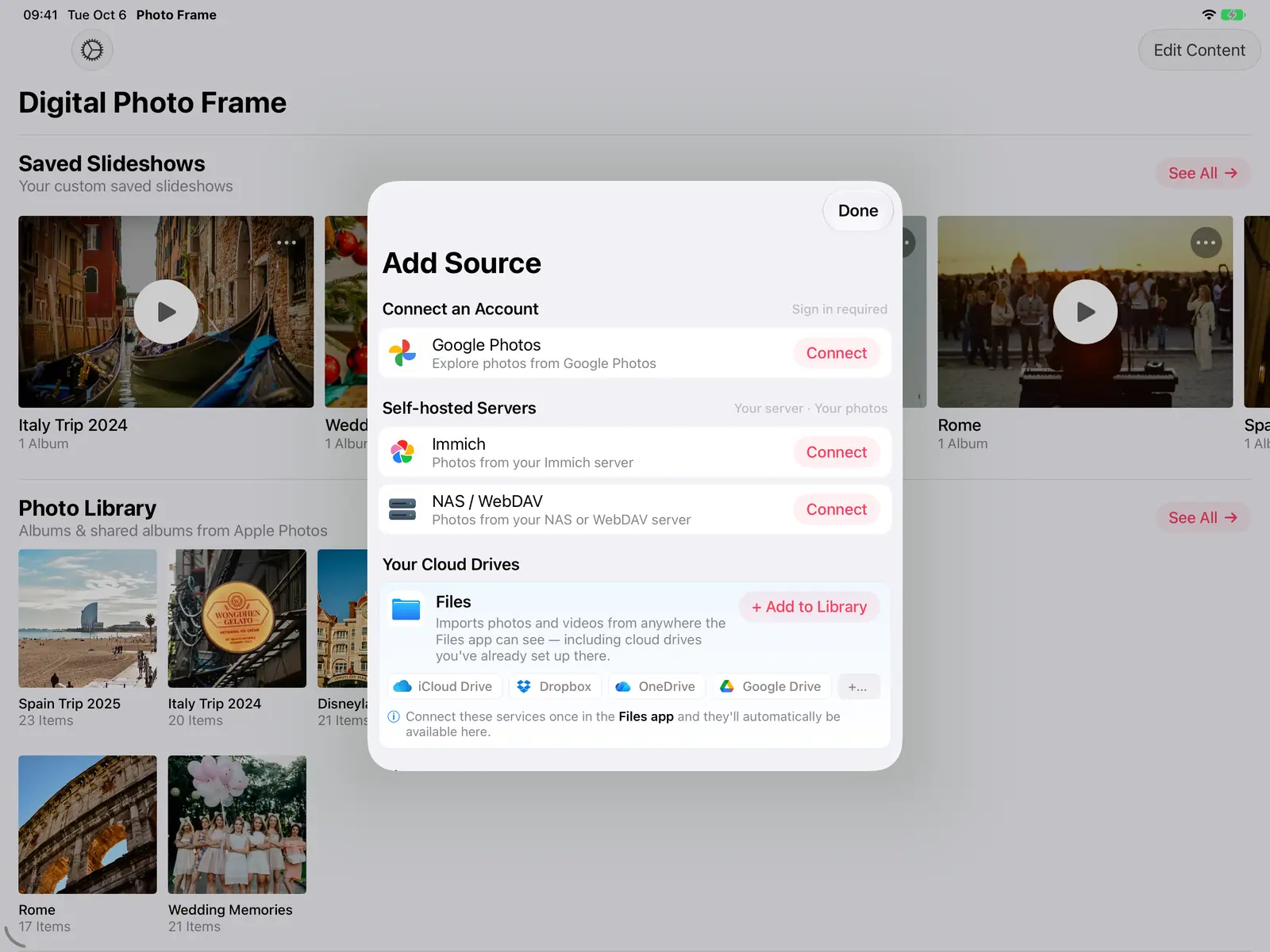
- Neither? The app also shows folders from the Files app, Immich and NAS servers.
I make Digital Photo Frame App, which works with both. The frame in my parents' living room has played the same iCloud shared album since our twins were born, and it now holds more than 2,000 photos. The difference between the two services comes down to how much access each company gives apps.
Side by side
| iCloud Photos and Shared Albums | Google Photos | |
|---|---|---|
| How the app sees your photos | Your whole library and every album | Only the photos you pick in Google's picker |
| New photos appear by themselves | Yes, including in shared albums while the slideshow runs | No: open your selection again to add new ones |
| Family adds photos from far away | Yes, with a shared album (since iOS 27 also on the web, without an Apple device) | Only by sending them to you to add |
| Live Photos | Yes | Shown as stills |
| Videos | Yes | Yes |
| Apple TV | Yes | Not available on Apple TV |
| Photo quality | Full quality, downloaded from iCloud as needed | Full quality from Google |
Why they're so different
The difference comes from the companies, not the app. Apple lets apps read the photo library you allow, so the frame sees every album and new photos as they arrive. Since Google's 2025 changes, Google only lets apps like ours use photos you choose by hand in Google's own picker. Apps can no longer browse your Google albums or follow a shared album. That's why a Google Photos selection is a snapshot you refresh, while an iCloud album keeps itself up to date.
Choose iCloud if…
- the frame is for grandparents or family far away, and new photos should just appear. An iCloud Shared Album does exactly that: see digital photo frame for grandparents.
- you want Live Photos to move on the frame.
- the frame is an Apple TV.
With Optimize iPhone Storage on, the device keeps smaller versions and fetches originals from iCloud when needed, which the app does as each photo comes up, so give the frame decent Wi-Fi. What Optimize iPhone Storage does explains the setting.
Choose Google Photos if…
- your photos are already in Google Photos and you don't use iCloud,
- you want a curated set, such as the best 200 photos of the year, rather than everything,
- you don't mind refreshing the selection when you want new photos on the frame.
The setup is in our Google Photos slideshow guide. If your family is set on Google Photos and wants albums that update on their own, a dedicated frame like Aura can sync Google albums; see Frameo vs Aura vs Skylight.
Using both
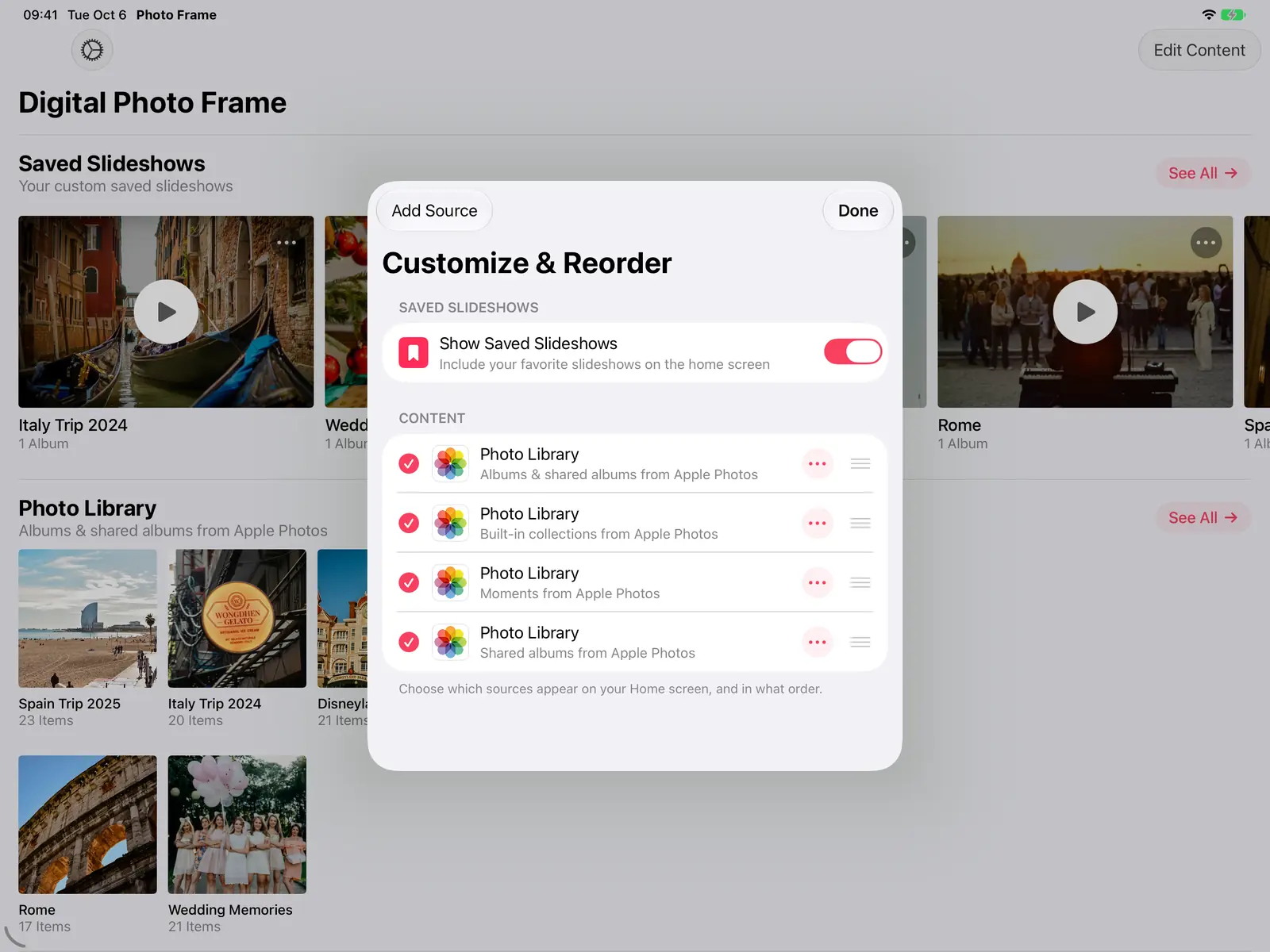
You don't have to pick one for the whole app. You can keep a Google Photos selection and iCloud albums side by side, and play whichever suits the moment.
Frequently asked questions
Why don't my new Google Photos appear on the frame?
Google only lets the app use the photos you picked. Open your Google Photos selection in the app and add the new ones.
Do iCloud shared albums update while the slideshow plays?
Yes. New photos added to a shared album appear in the running slideshow.
Can I use Google Photos on Apple TV?
Not at the moment. Use iCloud Photos, a shared album, Immich or a NAS on Apple TV.
Can family without an iPhone add photos to an iCloud shared album?
Yes. Since iOS 27, people can add photos to a shared album from the web without an Apple device.
Can I mix Google Photos and iCloud in one slideshow?
Yes. A saved slideshow can combine photos from several sources, including a Google Photos selection and iCloud albums.
Manuel Escrig
 Share on Facebook
 Share on X
Keep reading
All posts → Guides Google Photos Slideshow on iPad, iPhone and Mac
How to play a Google Photos slideshow on iPad, iPhone and Mac: Google's own options, a full-screen photo frame slidesho…
Guides Google Photos Slideshow on iPad, iPhone and Mac
How to play a Google Photos slideshow on iPad, iPhone and Mac: Google's own options, a full-screen photo frame slidesho…
 Comparisons Best Digital Photo Frame in 2026: Honest Picks by Need
Which digital photo frame to buy in 2026: Aura, Skylight or Frameo, and when the iPad or Apple TV you already own is th…
Comparisons Best Digital Photo Frame in 2026: Honest Picks by Need
Which digital photo frame to buy in 2026: Aura, Skylight or Frameo, and when the iPad or Apple TV you already own is th…
 Comparisons Frameo vs Aura vs Skylight: Which Photo Frame?
Frameo, Aura and Skylight compared on price, subscriptions, Google Photos, iCloud, video and offline use, and when an i…
Comparisons Frameo vs Aura vs Skylight: Which Photo Frame?
Frameo, Aura and Skylight compared on price, subscriptions, Google Photos, iCloud, video and offline use, and when an i…
 Download Now
