iPad vs Aura, Skylight & Frameo Frames
Should you buy an Aura, Skylight or Frameo frame, or use an iPad you already own? An honest comparison of price, photos, video and setup.

July 3, 2026 by Manuel Escrig · 5 min read
Updated October 2026
If you already own an iPad, even an old one in a drawer, you probably don't need to buy a digital photo frame: its screen is sharper than most frames and it plays Live Photos and videos. A dedicated frame is still the better buy if nobody in the family uses Apple devices, or if the frame is a gift for someone who should never have to charge or set up anything.
- Use an iPad you own if your family uses iPhones: an iCloud shared album keeps the frame updated by itself, at no hardware cost.
- Buy an Aura if your photos live in Google Photos and you want albums that sync on their own, with no subscription.
- Buy a Skylight if relatives should send photos by email, with no app.
- Buy a Frameo frame if you want the cheapest option, or one that works without Wi-Fi.
I'm Manuel, and I make Digital Photo Frame App, so I'm not neutral here. I built the app because I wanted my parents, who live in another country, to see our twins grow up, and an old iPad in their living room did that better than any frame I could find. Below is where an iPad wins, and where it honestly doesn't.
What the dedicated frames offer
To be fair to the frames first (prices are US prices, checked October 2026):
- Aura frames cost $143 to $499, with no subscription and unlimited storage. Their standout feature is album sync: connect a Google Photos album or an album from your phone, and new photos appear without anyone sending them.
- Skylight frames cost $139.99 to $299.99. Each frame has its own email address, so relatives can send photos without an app. Skylight Plus ($39 a year) adds remote settings, albums and cloud backup.
- Frameo is the app inside many inexpensive frames from different brands, about $50 to $130. Family sends photos from the Frameo app, and the frames work without Wi-Fi once photos are on them.
The sources for every number are in Frameo vs Aura vs Skylight, along with a full feature table.
What an iPad does better
An iPad running Digital Photo Frame App has a few real advantages:
The screen. Even an iPad from several years ago has a sharper display than most frames at any price.
Photos that update themselves. Play an iCloud shared album and anyone in the family can add photos from their iPhone; they appear while the slideshow runs. Since iOS 27, people without an Apple device can add photos to a shared album from the web.
Live Photos and videos. Your photos move, and videos play with sound if you want.
More places for photos. Your Photos library, Google Photos (picked by hand in Google's picker), folders from the Files app such as iCloud Drive or Dropbox, an Immich server or a NAS. Almost no dedicated frame supports Immich or a NAS.
A frame you can tune. Weather, date and time on screen, 13 transitions, Adaptive Fill for mixed portrait and landscape photos, and a night schedule. The full setup is in how to turn your iPad into a digital photo frame.

Not only the iPad. The same app runs on iPhone, Mac and Apple TV, so the biggest screen in the house can be a frame too.

Where a dedicated frame still wins
- Nobody in the family uses Apple devices, and buying a used iPad doesn't appeal.
- Your photos live in Google Photos and you want albums that update on their own. Since Google's 2025 changes, apps like mine can only show photos you pick by hand. Aura's album sync is the better fit.
- Relatives should send photos by email, without an app or an Apple account. Skylight is built for that.
- It's a gift for someone who should never touch it. A frame is plug-and-play. An iPad set up in advance works well too (see digital photo frame for grandparents), but it needs to stay plugged in and someone has to set it up once.
Side by side
| iPad + Digital Photo Frame App | Aura / Skylight / Frameo | |
|---|---|---|
| Upfront cost | $0 with an iPad you own | About $50 to $499 |
| Ongoing cost | Free download; Premium $2.99 a month, $19.99 a year or $69.99 once | Aura none; Skylight Plus and Frameo+ optional |
| Family adds photos by | iCloud shared album | Aura app or album sync, Skylight email, Frameo app |
| Google Photos | Photos picked by hand | Aura syncs albums; Frameo a few at a time |
| Live Photos and video | Yes | Short videos, limits vary by brand and plan |
| Works without Wi-Fi | Yes, with Make Available Offline | Frameo yes; Aura needs Wi-Fi |
| Also works on | iPhone, Mac, Apple TV | The frame only |
Frequently asked questions
Is an old iPad as good as a digital photo frame?
Often better: the screen is sharper and it plays Live Photos and videos. The trade-offs are that it has to stay plugged in and someone has to set it up once.
Which iPads work as a photo frame?
Any iPad on iPadOS 15 or later: iPad Air 2, iPad mini 4, iPad (5th generation) and every newer model.
Is there a subscription with the iPad app?
The app is free to download. Premium is $2.99 a month, $19.99 a year with a 7-day free trial, or $69.99 once (US prices), and works with Family Sharing.
Can family send photos to an iPad frame from far away?
Yes, through an iCloud shared album. Photos they add from their iPhone, iPad or Mac, or from the web since iOS 27, appear on the frame while the slideshow runs.
 Share on Facebook
  Share on X
 Keep reading
All posts →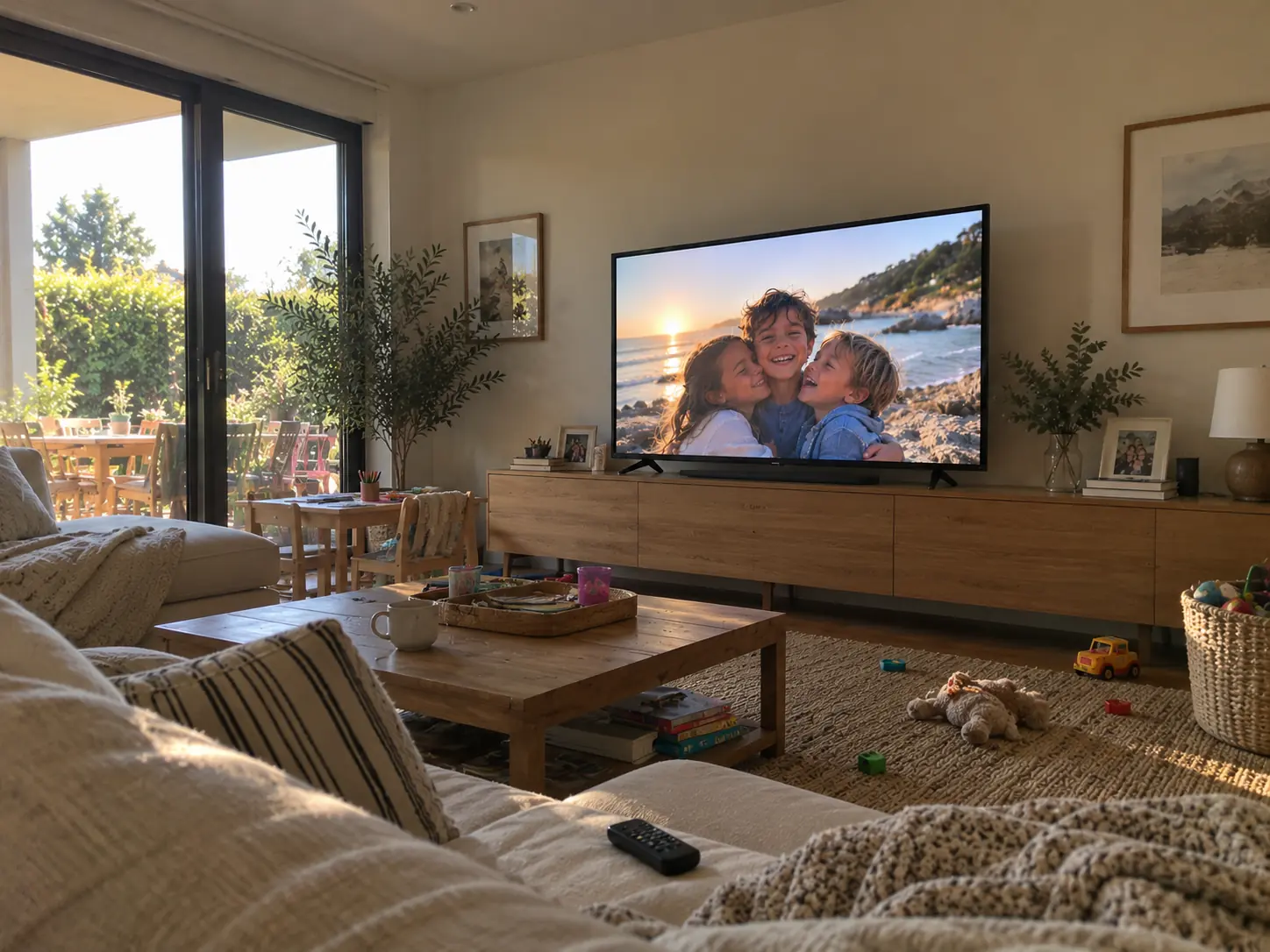 Guides Large Digital Photo Frame: Should You Use an iPad or TV?
Want a large digital photo frame? Compare an iPad, a TV with Apple TV, and a dedicated frame by screen size, placement,…
Guides Large Digital Photo Frame: Should You Use an iPad or TV?
Want a large digital photo frame? Compare an iPad, a TV with Apple TV, and a dedicated frame by screen size, placement,…
 Comparisons Best Digital Photo Frame in 2026: Honest Picks by Need
Which digital photo frame to buy in 2026: Aura, Skylight or Frameo, and when the iPad or Apple TV you already own is th…
Comparisons Best Digital Photo Frame in 2026: Honest Picks by Need
Which digital photo frame to buy in 2026: Aura, Skylight or Frameo, and when the iPad or Apple TV you already own is th…
 Comparisons Frameo vs Aura vs Skylight: Which Photo Frame to Buy?
Frameo vs Aura vs Skylight: frame prices, subscriptions, Google Photos and iCloud sync, video and Wi-Fi, checked on the…
Comparisons Frameo vs Aura vs Skylight: Which Photo Frame to Buy?
Frameo vs Aura vs Skylight: frame prices, subscriptions, Google Photos and iCloud sync, video and Wi-Fi, checked on the…
 Download Now