
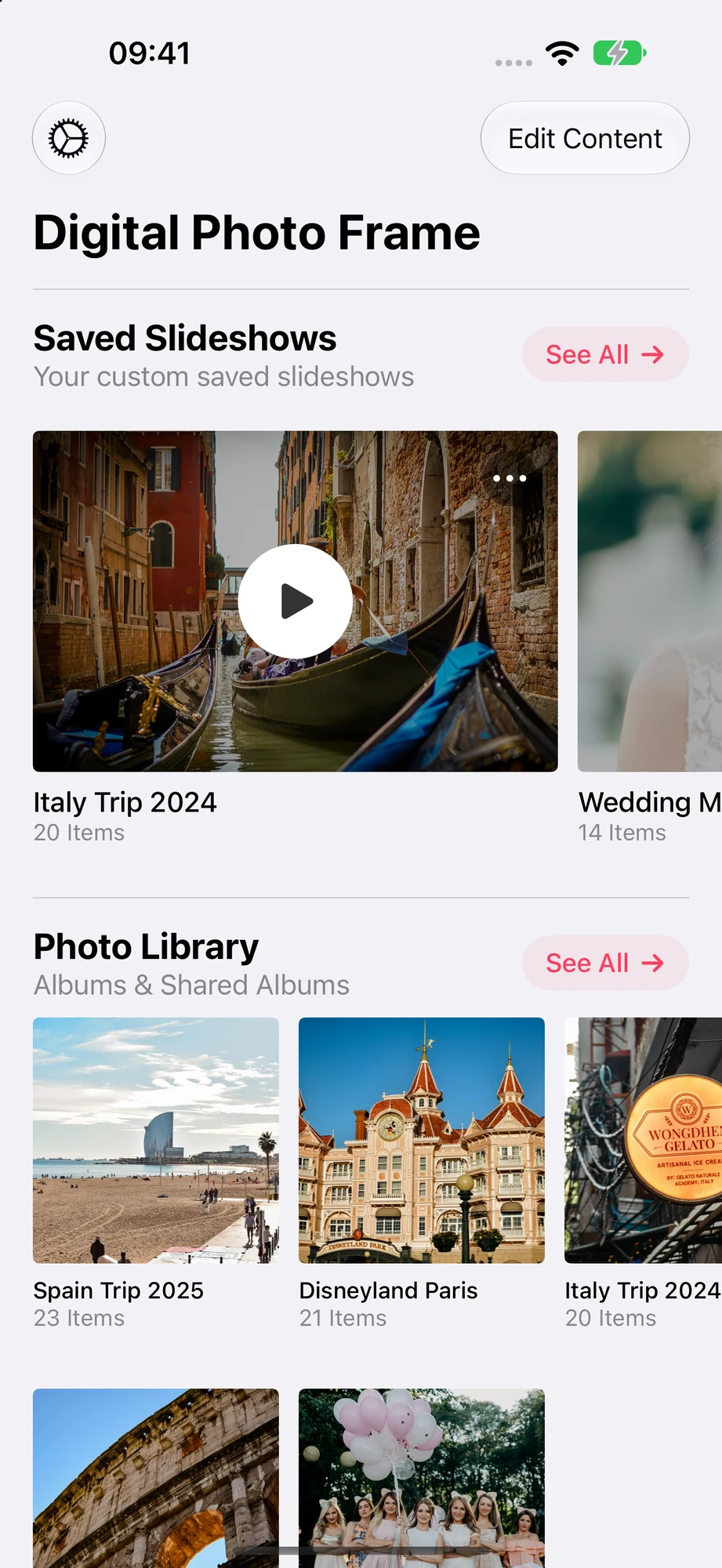
What it does on the Apple TV
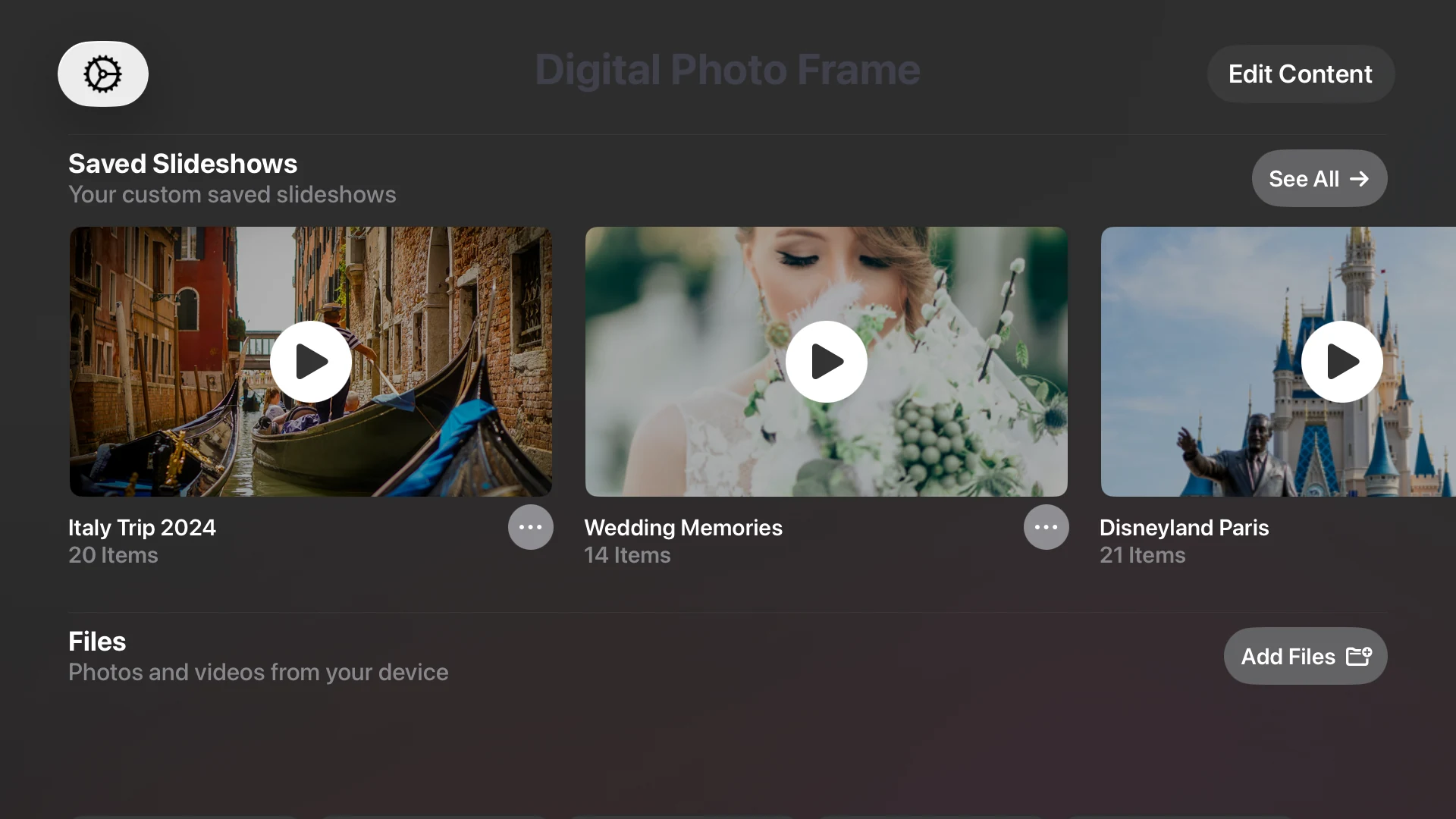
A real tvOS app
Install it from the App Store on the Apple TV and start slideshows with the Siri Remote. Because it runs on the TV, your iPhone can leave the room and the slideshow keeps going.
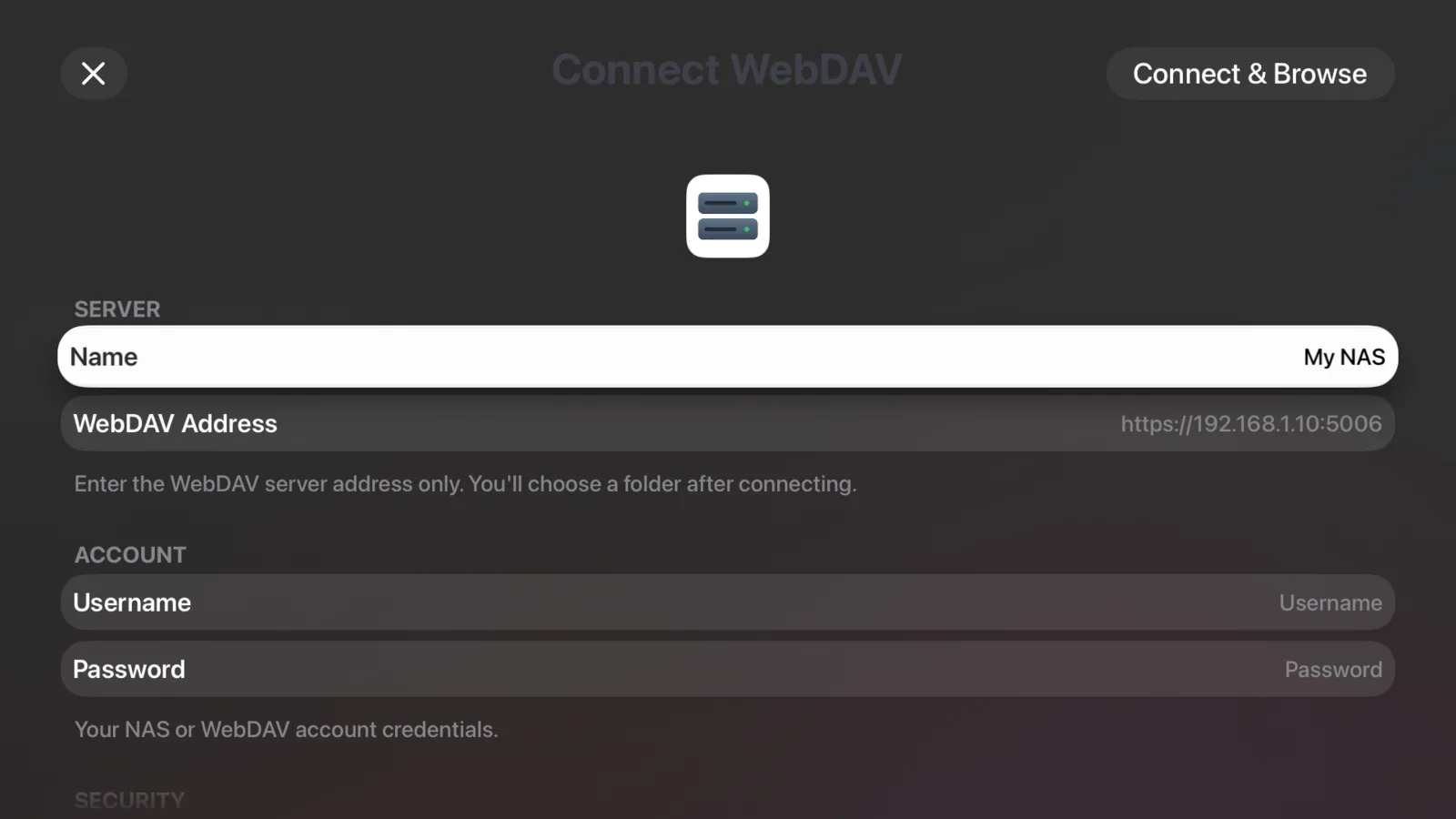
Your own server on the TV
Connect an Immich server or a NAS / WebDAV server (Synology, QNAP, Nextcloud) right on the Apple TV, with a keyboard made for the Siri Remote. Photos stream from your server, so nothing fills up the TV.

Made for a wide screen
Portrait photos look small on a TV. Combine Photos (Collage) shows two of them side by side, so the whole screen is used.
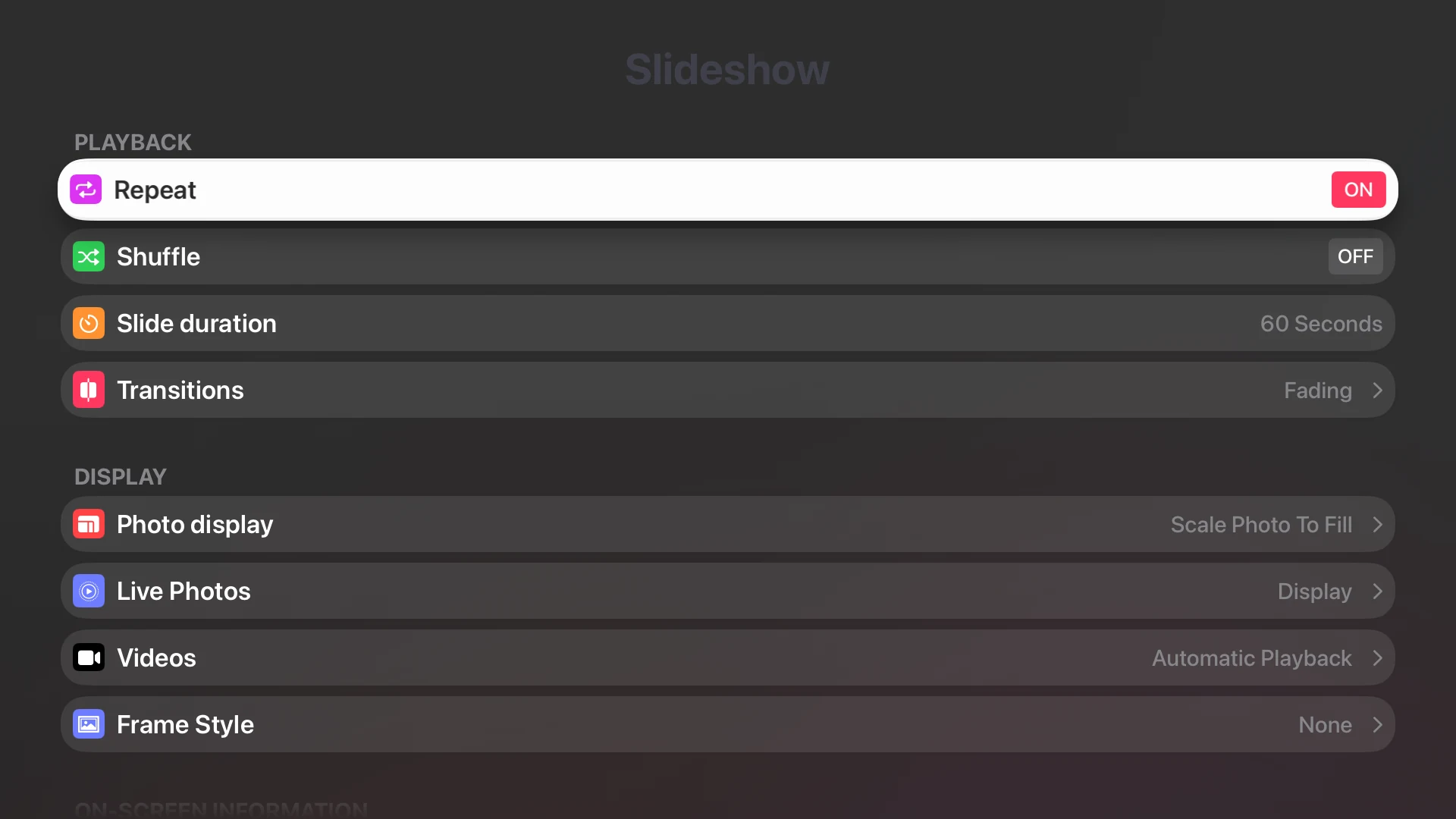
The settings you know
Slide duration, transitions, Live Photos, videos, mat board, background music and the weather and clock are all on the TV, controlled with the Siri Remote.
Set it up in three steps
Install it on the TV
Open the App Store on your Apple TV, search for Digital Photo Frame and install it.
Turn on iCloud Photos
In the Apple TV's settings, turn on iCloud Photos so your library and shared albums appear in the app. Or add Immich or a NAS.
Pick and play
Choose an album or a source, set the pace and the music, and press play with the Siri Remote.
- Google Photos and the Files source (Dropbox, OneDrive, Google Drive) aren't available on Apple TV. Use the app on iPad, iPhone or Mac for those.
- Slideshows are set up on the Apple TV itself. They don't sync from your iPhone or iPad.
- For a few photos at a family dinner, the AirPlay button in the iPhone and iPad slideshow is quicker. For a frame that runs all day, use the Apple TV app.
Frequently Asked Questions
Is it a native Apple TV app or screen mirroring?
It is a native tvOS app. You install it on the Apple TV from the App Store, so slideshows run on the TV without your phone nearby.
Which Apple TV models are supported?
Any Apple TV on tvOS 17.6 or later: Apple TV HD and every Apple TV 4K.
Can I show Google Photos on Apple TV?
Not at the moment. On Apple TV the app shows your photo library, iCloud shared albums, Immich, NAS / WebDAV, Flickr and Unsplash. Google Photos works in the app on iPad, iPhone and Mac.
Can I show photos from Immich or my NAS?
Yes. Add Immich with your server address and an API key, or a NAS / WebDAV server with its address and login, right on the Apple TV. Photos and videos stream from your server.
Can I play music with the slideshow?
Yes. Add background music from the curated tracks or your own music, and control everything with the Siri Remote.
Do my slideshows sync from my iPhone or iPad?
No. Slideshows are set up on the Apple TV itself. Photos in iCloud Photos and iCloud shared albums are available when iCloud Photos is turned on in the Apple TV's settings.