A Wider Window for Your Photos on iPhone Duo
See how Digital Photo Frame App uses the cover and inner displays on iPhone Duo, with screenshots, a short fold video and the version that introduced the layout.

October 19, 2026 by Manuel Escrig · 2 min read
I built Digital Photo Frame App so the photos get the attention, whatever screen you put them on. iPhone Duo gives them two very different spaces: a compact cover screen for a quick look and a much larger inner display when you open it.
The iPhone Duo layout was added in version 6.31.0. Here is the little fold video, followed by three real screens from the app. The albums and photos shown are sample content.
More room for the photos you love
On the cover screen, the library is ready for a quick look at your albums and shared collections.
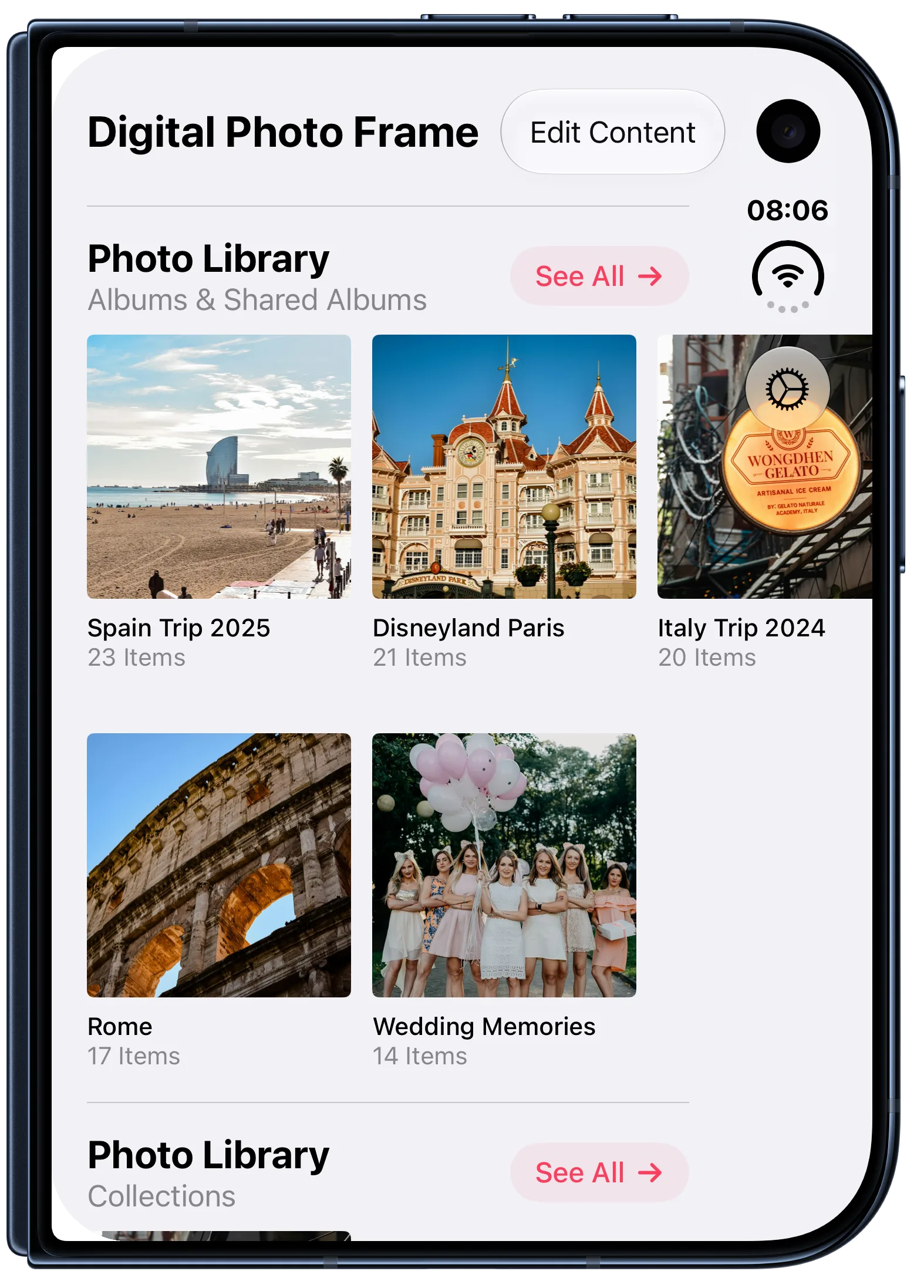
Open iPhone Duo and the library has room to show more collections at once. It is easier to spot the album you want, whether you are choosing holiday photos or a slideshow for the room.
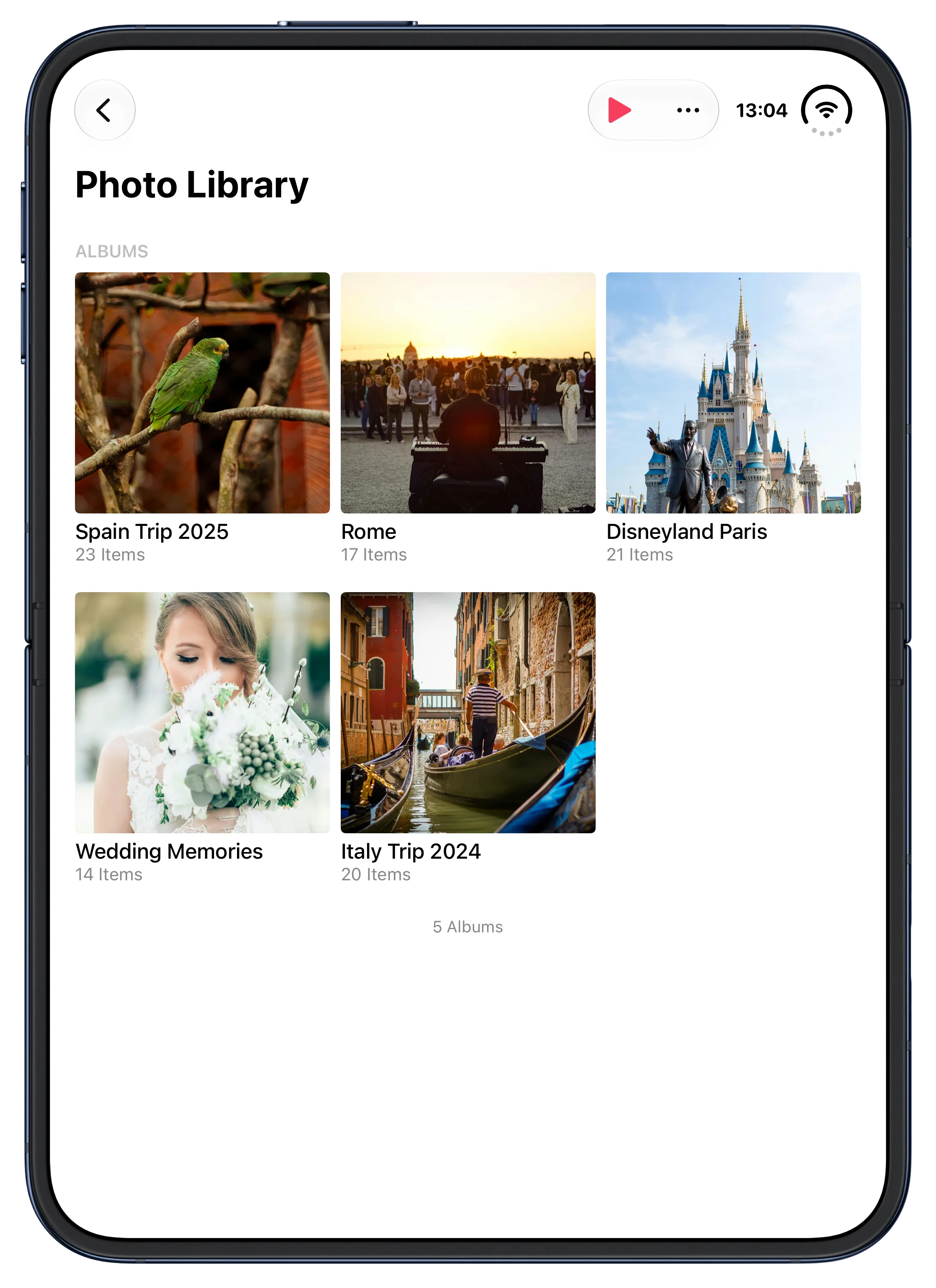
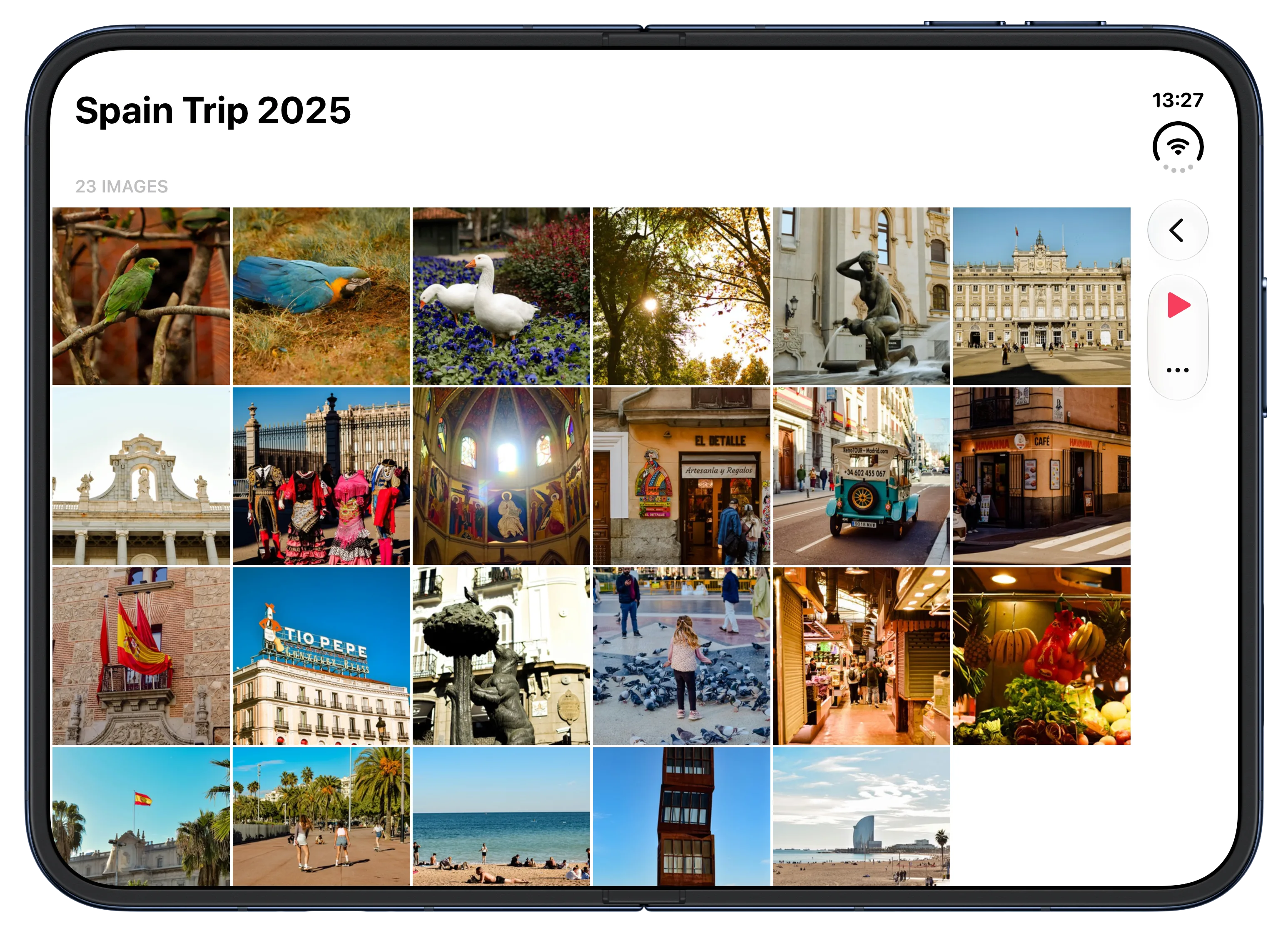
In landscape, the wider view lets you see more of a collection before pressing play. A photo frame should feel calm; that was my aim with this update.
For press: Download the iPhone Duo screenshot pack. It has ten app screens, each with and without device bezels.
If you use Digital Photo Frame App, thank you. Every message about the photos and places you display them helps me make it better, and everyone who supports the app gives me more time to keep working on it. I am grateful you have made room for it in your home.
Manuel Escrig
 Share on Facebook
 Share on X
Keep reading
All posts → News More Immich Photos, Less Server Setup
Choose all your Immich photos, add several albums or WebDAV folders, and remove a source without deleting the originals.
News More Immich Photos, Less Server Setup
Choose all your Immich photos, add several albums or WebDAV folders, and remove a source without deleting the originals.
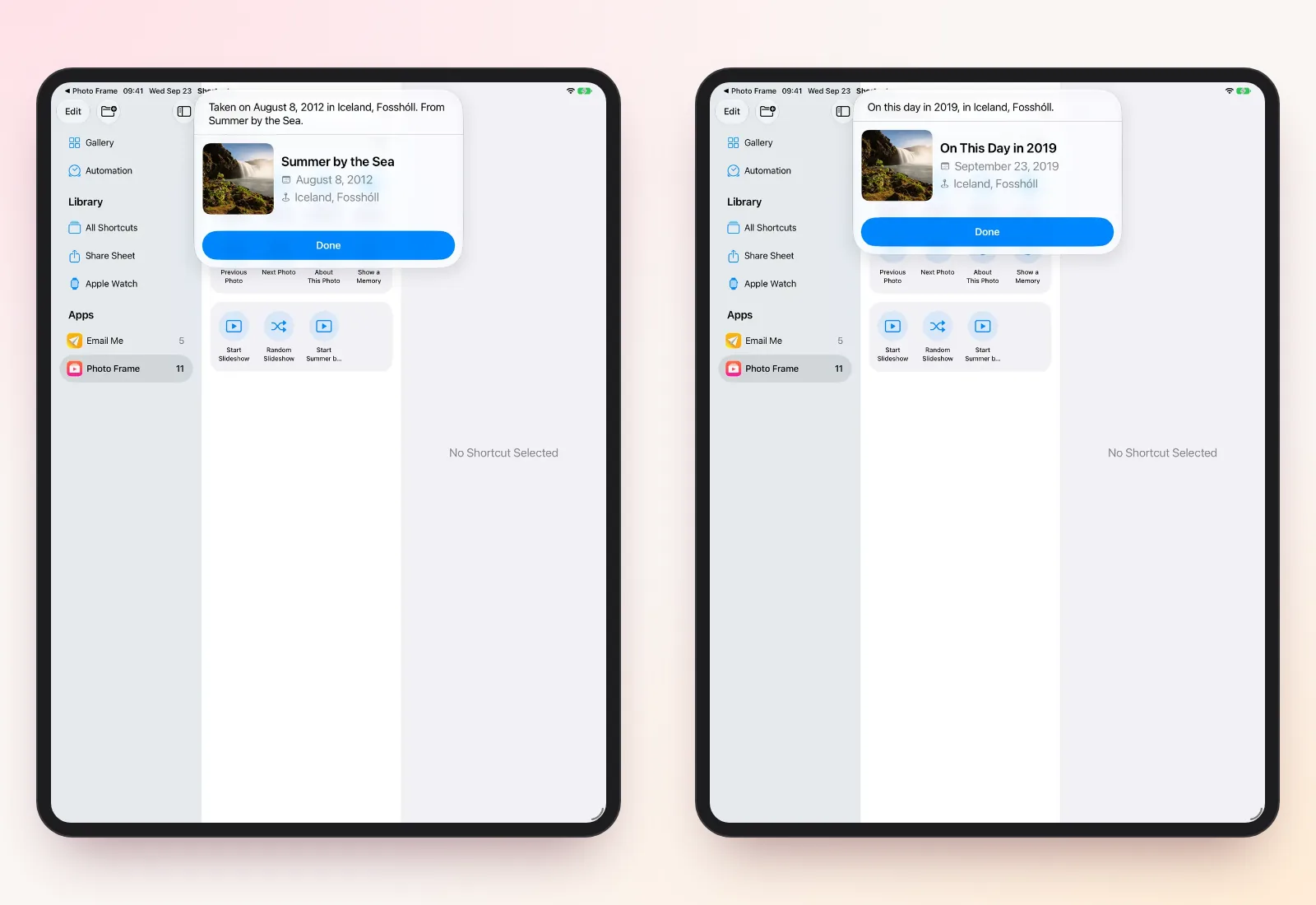 News Ask Siri About the Photo on Your Frame
Ask Siri when and where the photo on your frame was taken, bring back a memory from this day, and start a slideshow fro…
News Ask Siri About the Photo on Your Frame
Ask Siri when and where the photo on your frame was taken, bring back a memory from this day, and start a slideshow fro…
 News Introducing Digital Photo Frame App: How It Started
Why I built Digital Photo Frame App: my parents lived abroad, our twins were on the way, and no app or frame could show…
News Introducing Digital Photo Frame App: How It Started
Why I built Digital Photo Frame App: my parents lived abroad, our twins were on the way, and no app or frame could show…
 Download Now
