Large Digital Photo Frame: Should You Use an iPad or TV?
Want a large digital photo frame? Compare an iPad, a TV with Apple TV, and a dedicated frame by screen size, placement, power, and photo sources.

October 26, 2026 by Manuel Escrig · 5 min read

- Use an iPad for a frame that fits on a shelf, desk, or kitchen counter and can play from iCloud, Google Photos, Immich, or a NAS.
- Use a TV with Apple TV when viewing distance and impact matter more than always-on convenience.
- Buy a dedicated 15-inch frame when the recipient needs a simple appliance and does not already own suitable Apple hardware.
- Measure the viewing distance and available space before comparing screen sizes.
A large digital photo frame is easier to enjoy across a room, but bigger is not automatically better. A 10-inch iPad can look right on a sideboard. A 15-inch frame needs more depth and a sturdy stand. A television makes a dramatic slideshow, but it is rarely the right screen to leave running all day.
Which large photo display should you choose?
| Situation | Better choice | Main tradeoff |
|---|---|---|
| Desk, shelf, bedside table | iPad | Needs a stand and continuous power |
| Kitchen or living-room sideboard | iPad or 15-inch dedicated frame | Choose based on photo source and who maintains it |
| Photos for a whole room or gathering | TV with Apple TV | Occupies the television while the slideshow runs |
| Gift for a relative who wants one purpose | Dedicated frame | Another device and possibly another account or subscription |
| Existing spare Apple device | iPad or Apple TV | Lowest hardware cost, but requires initial setup |
Start with viewing distance, not the advertised size
Screen size is measured diagonally. Two frames with the same diagonal can feel different when one has a wide shape and the other is closer to a printed-photo ratio.
For a desk or shelf viewed from a few feet away, a 10- to 13-inch iPad is normally large enough. Across a living room, a 15-inch frame is easier to see, while a television works best for a temporary full-room display. Make a cardboard rectangle in the advertised dimensions and place it where the frame will live. This simple test catches stands that are too deep, shelves that are too narrow, and screens that dominate the furniture.
Use an iPad when flexibility matters
An iPad is the practical choice when you already own one or want control over where photos come from. Digital Photo Frame App runs slideshows from Apple Photos and iCloud Shared Albums, selected Google Photos, Immich, and WebDAV sources such as a NAS. It can also show videos, Live Photos, weather, time, and a calendar.
The drawbacks are physical. An iPad needs a stable stand, a charging cable, and settings that keep guests or children inside the slideshow. If it will be used only as a frame, follow the iPad digital photo frame setup and lock the iPad to one app.
Use a TV for the biggest picture
A TV connected to Apple TV is the largest option in most homes. It works well for wedding photos, holidays, memorials, and family gatherings where several people are watching together. The Apple TV version of Digital Photo Frame App uses the same idea as the iPad app without buying a separate large frame.
This setup is less suited to a quiet, always-on display. The television uses more space and power, and somebody may want to watch it. Treat it as a room-scale slideshow rather than a replacement for a small frame on a shelf. See five ways to display photos on Apple TV before choosing a source.
Choose a dedicated frame for appliance-like simplicity
A dedicated frame can be the better gift when the recipient should never see a home screen, notification, or app setting. Look beyond the diagonal measurement. Check the display resolution, viewing angles, stand depth, portrait support, how family members add photos, whether it keeps working offline, and which features require a subscription.
Do not assume that Wi-Fi means automatic album sync. Some frames accept individual uploads from a companion app but cannot follow an iCloud or Google Photos album. Our digital frame buying guide compares those workflows using the manufacturers' published information.
Check the photos you already have
Most phone photos are wider than classic printed-photo ratios. A frame may crop the edges, add bars, or zoom to fill the display. Test a mix of landscape, portrait, group, and older scanned photos before committing to a layout.
Also decide who curates the slideshow. An automatically updating family album is convenient, but it can include screenshots or near-duplicates. A hand-picked album takes longer to build and usually looks better. The photo aspect-ratio calculator helps predict cropping on different screens.
Set up the frame safely
- Use a stable stand rated for the device's weight.
- Keep the charging cable away from walkways and hot surfaces.
- Lower brightness at night and schedule the display to sleep when nobody is watching.
- Avoid direct sunlight, glare, and radiators.
- Test Wi-Fi at the exact location where the frame will sit.
- Keep the original photo library backed up; a display is not a backup.
Frequently asked questions
What size counts as a large digital photo frame?
There is no official cutoff. In practice, searches for a large frame usually mean roughly 13 inches or more. Placement and viewing distance matter more than the label.
Can an iPad stay on as a digital photo frame?
Yes. Keep it powered, use a reliable stand, schedule sleep hours, and use Guided Access if you want it locked to the slideshow.
Can a smart TV work without Apple TV?
Some televisions have their own gallery or casting features, but their photo-source and slideshow controls vary. Apple TV provides a consistent option when you use Digital Photo Frame App.
Is a bigger screen worse for portrait photos?
Not necessarily. The issue is aspect ratio. A landscape screen may crop or add space around a portrait image, regardless of the diagonal size.
If you already have an iPad or Apple TV, test that hardware first. A short trial in the real room tells you more than a specification sheet, and it may save you from buying another screen.
Manuel Escrig
 Share on Facebook
 Share on X
Keep reading
All posts →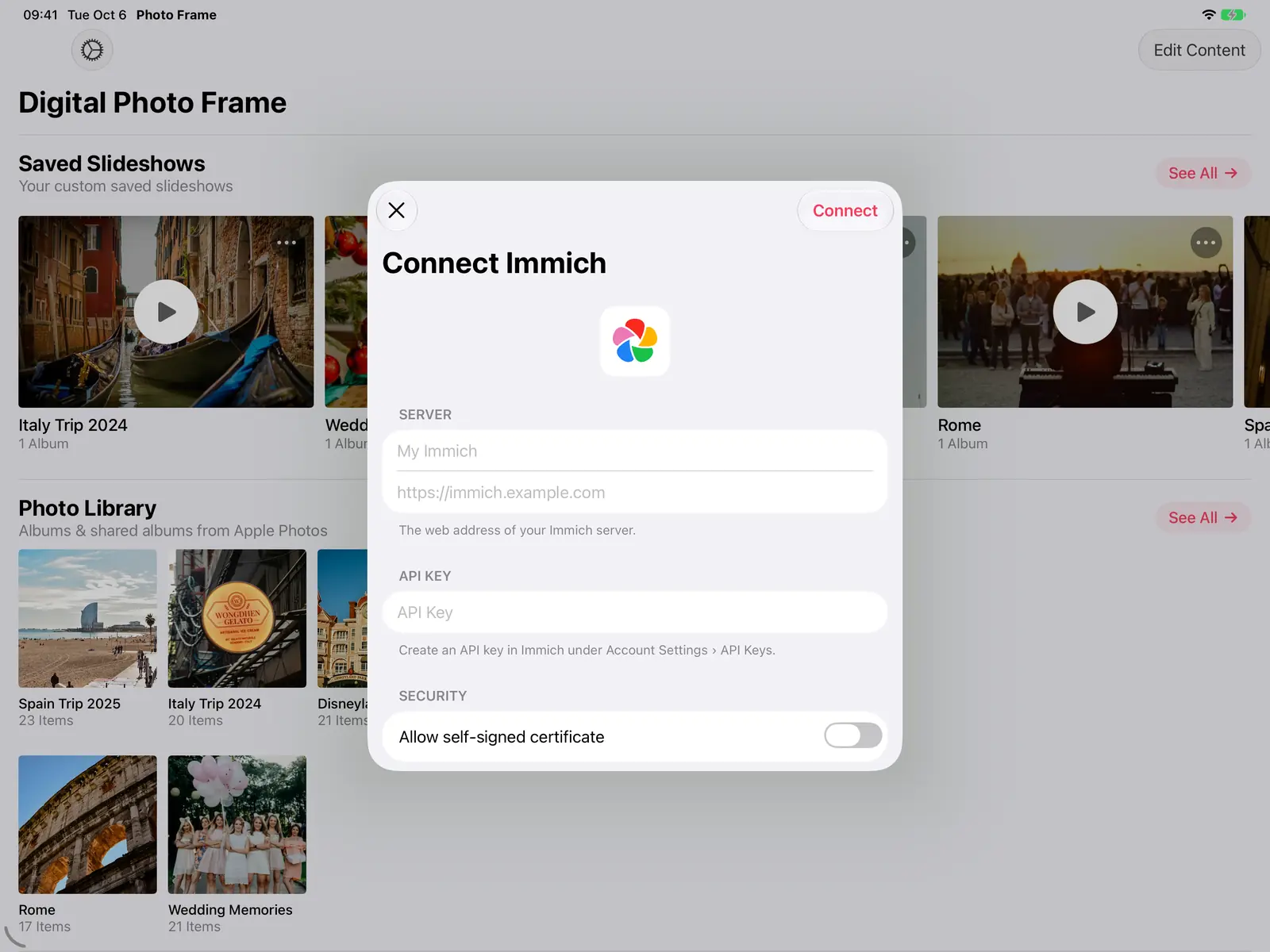 Guides Immich and NAS Photo Frame for iPad and Apple TV
A self-hosted photo frame for iPad, iPhone, Mac and Apple TV: show photos from Immich, Synology, QNAP, Nextcloud or any…
Guides Immich and NAS Photo Frame for iPad and Apple TV
A self-hosted photo frame for iPad, iPhone, Mac and Apple TV: show photos from Immich, Synology, QNAP, Nextcloud or any…
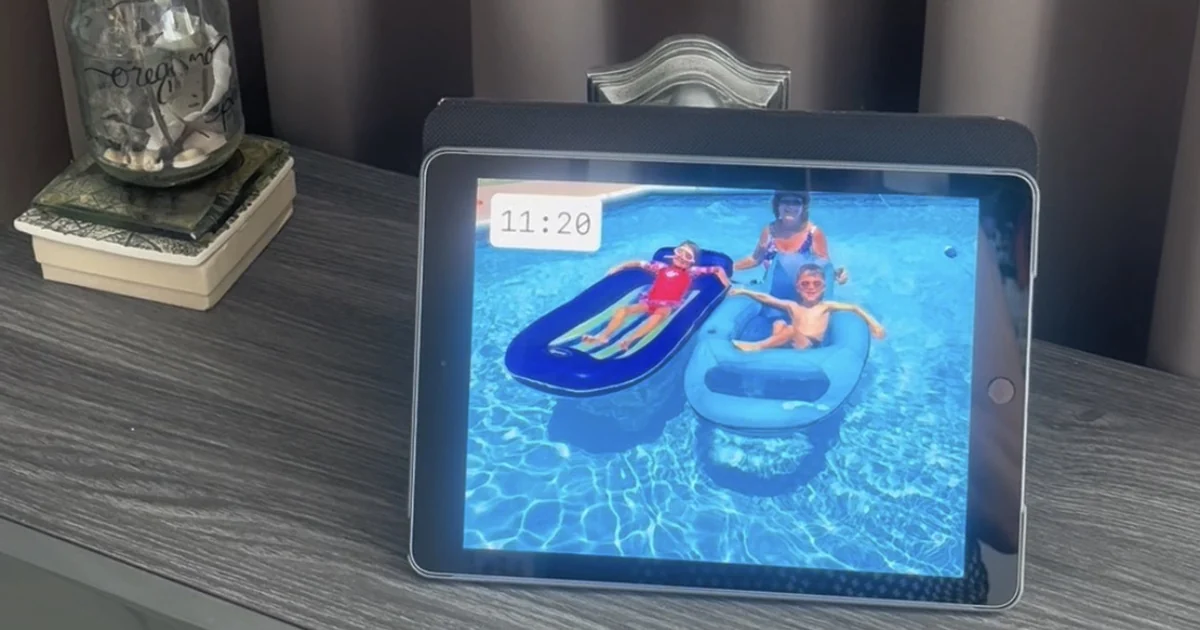 Guides 5 Clever Ways to Reuse an Old iPad
Five useful ways to reuse an old iPad: a digital photo frame, a kitchen recipe screen, a camera monitor, a reading devi…
Guides 5 Clever Ways to Reuse an Old iPad
Five useful ways to reuse an old iPad: a digital photo frame, a kitchen recipe screen, a camera monitor, a reading devi…
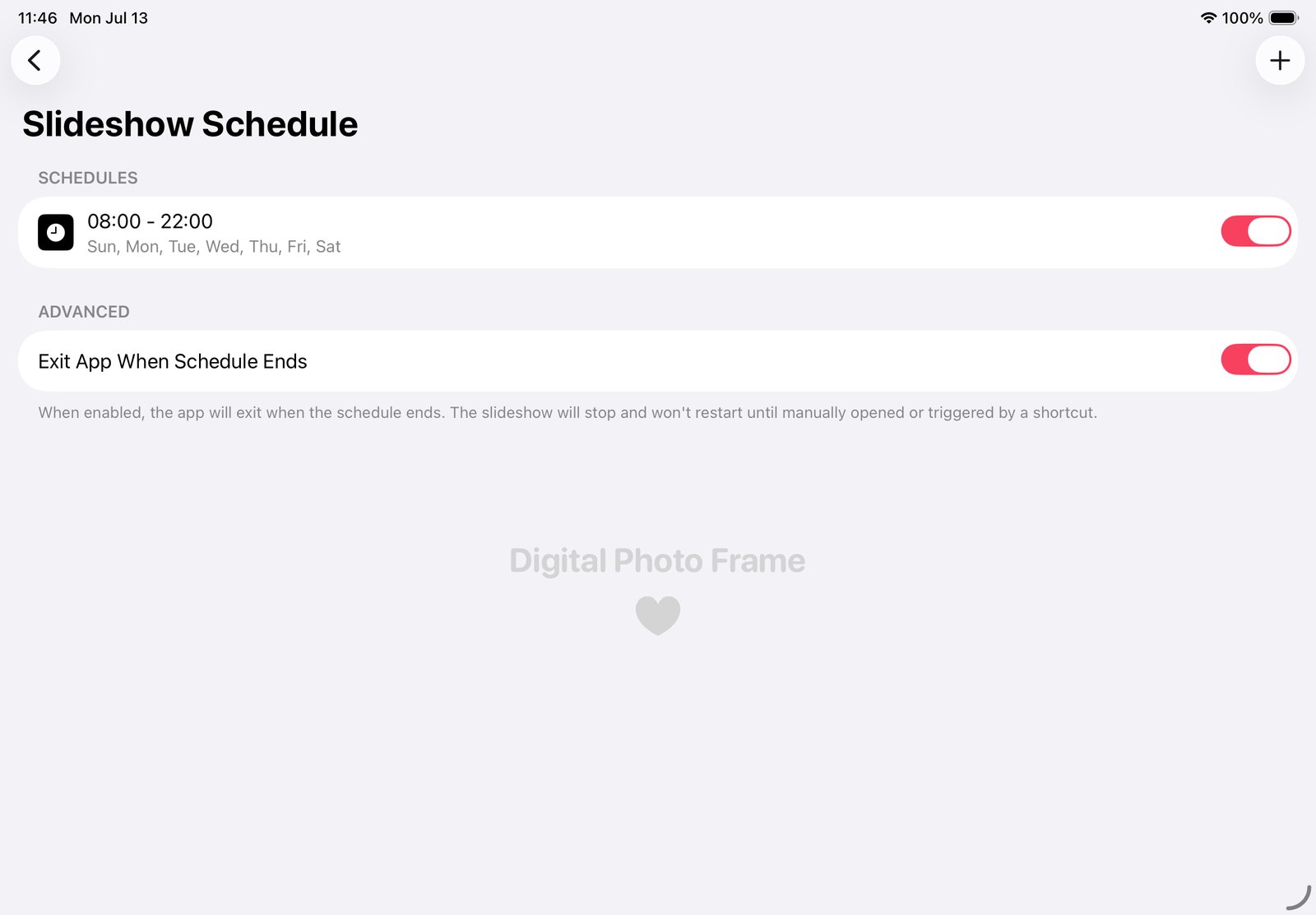 Guides iPad Photo Frame: Slideshow by Day, Sleep at Night
Make your iPad photo frame show photos by day, go dark at night and start again each morning, with the app's schedule a…
Guides iPad Photo Frame: Slideshow by Day, Sleep at Night
Make your iPad photo frame show photos by day, go dark at night and start again each morning, with the app's schedule a…
 Download Now
