Pet Photos Paradise: Celebrating Furry Friends
Transform your cherished pet photos into a mesmerizing slideshow with a Digital Photo Frame. Display endless animal memories in stunning clarity.

Pet Photos Paradise: Celebrating Furry Friends
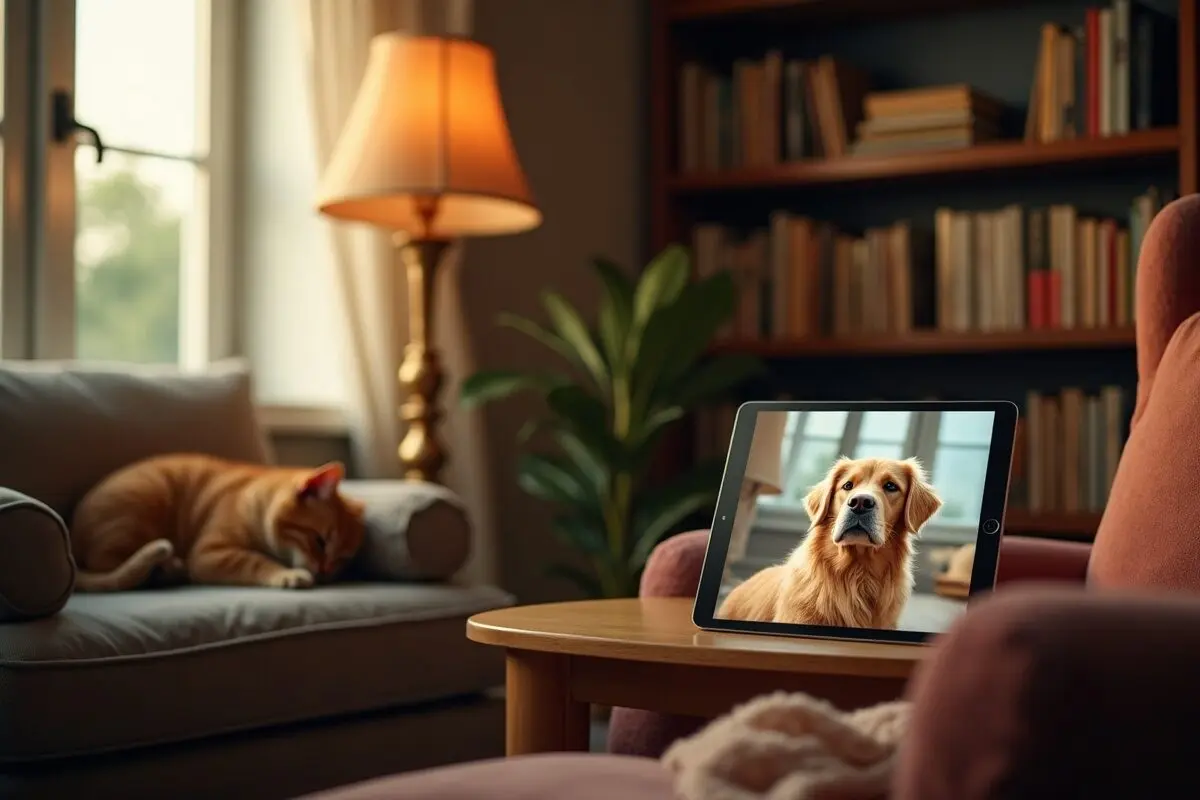
Creating beautiful displays of pet photos is one of the most heartwarming ways to celebrate our furry family members. I've found that using Digital Photo Frame has transformed how I showcase and enjoy my growing collection of pet memories throughout my home.
Why Pet Photos Need Special Treatment
As a proud cat mom to two adorable rescues, I know firsthand how quickly pet photos can take over our camera rolls. Before I started using Digital Photo Frame on my iPad, I had thousands of pet snapshots just sitting in my Google Photos, rarely seen or enjoyed. Now, I have dedicated pet photo displays that bring smiles to everyone who visits.
Setting Up the Perfect Pet Photo Display
Creating Custom Collections
One of my favorite features is how easily I can create themed collections. I've organized mine into:
- "Silly Cat Moments" - featuring my cats' most hilarious expressions
- "Nap Time Chronicles" - a peaceful collection of sleeping pet poses
- "Holiday Pets" - all their festive costume photos
- "First Days Home" - precious adoption memories
Choosing Display Settings
I've discovered some display settings that work particularly well for pet photos:
- Slower transition times for those detailed expressions
- Ken Burns effect to add gentle movement
- Natural color enhancement to make fur colors pop
- Mixed portrait and landscape orientations to catch every angle
Adding Special Touches
Music and Motion
Nothing enhances a pet photo slideshow like matching background music. I use gentle instrumental tracks when displaying my "Nap Time Chronicles" collection, while more playful tunes accompany the "Silly Cat Moments" display. The built-in music options in Digital Photo Frame make this super easy to set up.
Live Photos Magic
My absolute favorite feature is how the app handles Live Photos. Those split-second tail wags and ear twitches come alive in the display, making it feel like my pets are right there in the moment. It's especially wonderful for capturing those characteristic head tilts and playful pounces.
Managing Growing Collections
Smart Organization
Here's how I keep my ever-growing pet photo collection manageable:
- Monthly albums for easy chronological browsing
- Tags for specific activities (playing, eating, outdoors)
- Seasonal collections for rotating displays
- Special event folders for vet visits and celebrations
Syncing Across Devices
With Google Photos sync, my pet photos automatically appear in my displays across all devices. I have different collections showing on my iPad in the kitchen, my Mac at work, and our family room Apple TV. It's like having my furry friends keeping me company throughout the house! 🐾
Creating Lasting Memories
The most unexpected joy has been how these displays have become conversation starters. Visitors always pause to watch the slideshows, sharing their own pet stories and asking about mine. It's created this wonderful way to celebrate our pets and keep their memories alive.
Special Occasions
For pet birthdays and adoption anniversaries, I create dedicated collections with photos from throughout the year. These celebratory slideshows have become a cherished tradition in our home, complete with music and sometimes even themed frame designs.
Getting Started
If you're looking to create your own pet photo paradise, Digital Photo Frame makes it incredibly simple. You can download it from the App Store and start showcasing your furry friends in minutes. The interface is intuitive, and there are plenty of customization options to make your pet displays uniquely yours.
I'd love to see how you celebrate your pets through photos! Give Digital Photo Frame a try - your furry friends deserve their moment in the spotlight. 🐈
Remember, every pet photo tells a story, and with the right display, those stories can bring joy every single day.
Thank you for reading!
Cheers,
Manuel
 Share on Facebook
 Share on X
Related Articles
Read More From Blog.
5 Clever Ways to Reuse an Old iPad
Got an old iPad gathering dust in a drawer? Here are five clever ways to give it a second life, from a beautiful digital photo frame to a kitchen recipe station, security monitor, reading device, and bedside clock.