Kids' Artwork Gallery: Displaying Digital Art
Transform your kids' artwork into a stunning digital gallery with our smart display tips. Showcase children's masterpieces in a modern, clutter-free way.

Kids' Artwork Gallery: Displaying Digital Art
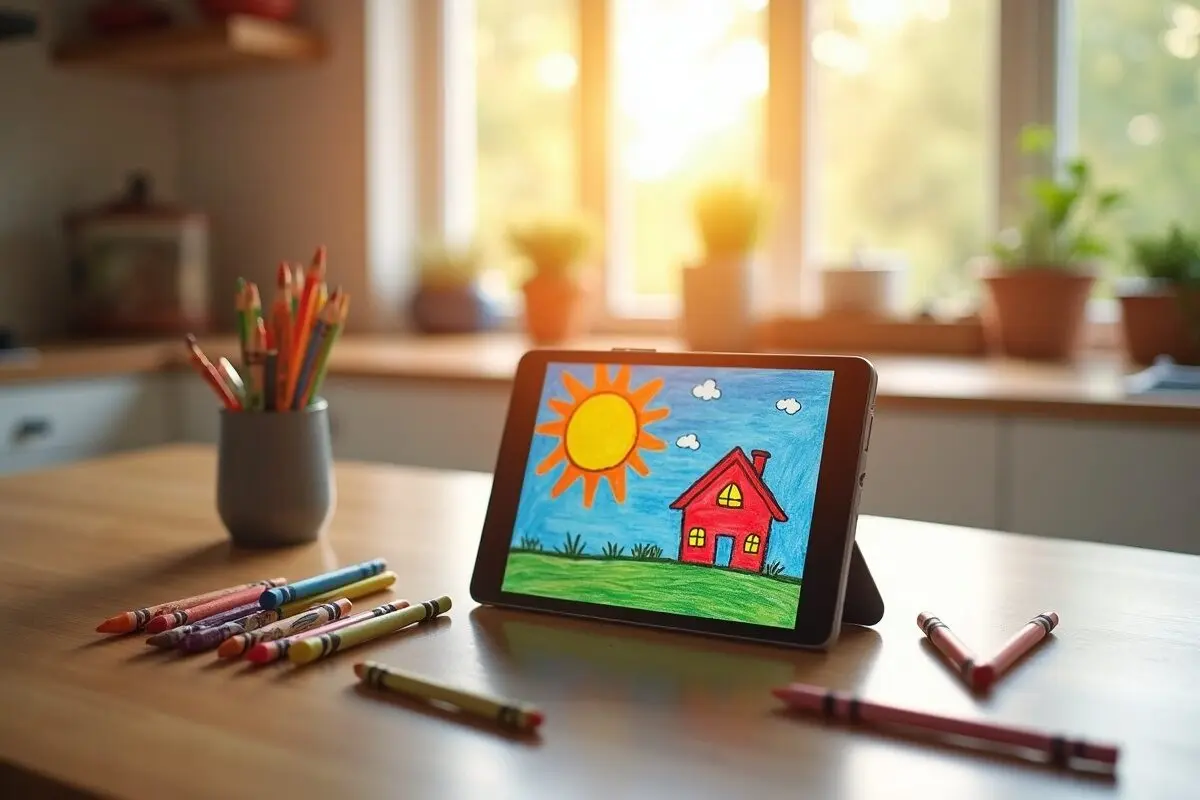
Digital Photo Frame has revolutionized how I showcase my children's artwork and school photos, turning our iPad into an ever-changing gallery of precious memories. Instead of cluttering the fridge with paper artwork or letting masterpieces gather dust in folders, I've found a perfect digital solution that keeps their creative achievements on display.
Creating a Digital Art Gallery
When my kids come home with new artwork, I immediately snap a photo and add it to our dedicated "Kids Art" album. Digital Photo Frame makes it incredibly simple to showcase these pieces in stunning slideshows. The app's high-quality display really makes their colorful creations pop – something I particularly noticed with my daughter's recent watercolor series.
Organizing Creative Collections
I've discovered several effective ways to organize our digital art gallery:
- Seasonal Collections: Grouping artwork by season helps us relive memories
- Grade-Level Albums: Tracking artistic progress throughout school years
- Special Project Showcases: Dedicated displays for major school projects
- Monthly Highlights: Rotating featured pieces each month
School Photos and Special Events
Capturing Academic Milestones
One of my favorite features is how seamlessly Digital Photo Frame handles our school photos. I've created a special playlist that includes:
- First day of school pictures
- Class photos
- Sports team shots
- Academic achievement moments
- School performance captures
The app's ability to sync with Google Photos means I never miss adding new school memories to our rotating display.
Making It Interactive
What I love most about using Digital Photo Frame for kids' artwork is how interactive it's become. My children beam with pride when they see their latest creations displayed on our kitchen counter iPad. They often gather around to watch the slideshow and tell stories about each piece.
Creative Display Ideas
Here's how I maximize our digital art gallery:
- Morning Showcase: Breakfast time slideshows of recent artwork
- Family Art Night: Weekly viewing of new additions
- Grandparent Updates: Sharing galleries with family members
- Holiday Collections: Themed displays during special occasions
Technical Tips That Work for Me
After months of use, I've found these settings work best:
- 10-second transitions for artwork displays
- Gentle zoom effects to highlight details
- Background music during special viewing sessions
- Weather display in the corner for practical functionality
Preserving Memories Long-Term
The digital format ensures we never lose these precious creations. I particularly appreciate how Digital Photo Frame helps me maintain a comprehensive archive of my children's artistic journey. When my son recently asked about his kindergarten art projects, I could easily pull up his entire portfolio from that year.
Storage Solutions
The app's integration with cloud services means I can:
- Back up all artwork automatically
- Access collections from any device
- Share galleries with family members
- Create themed collections for special occasions
Getting Started
If you're interested in creating your own digital art gallery, Digital Photo Frame makes it surprisingly simple. Download the app from the App Store and start with a small collection of your children's favorite pieces. I suggest beginning with recent artwork and gradually adding older pieces as you have time.
The joy of seeing your children's faces light up when they spot their artwork on display is truly priceless. Plus, you'll free up valuable fridge space while ensuring these precious creations are preserved forever. Why not give it a try? Your kids' masterpieces deserve the spotlight! 🎨
Thank you for reading!
Until next time,
Manuel
 Share on Facebook
 Share on X
Related Articles
Read More From Blog.
5 Clever Ways to Reuse an Old iPad
Got an old iPad gathering dust in a drawer? Here are five clever ways to give it a second life, from a beautiful digital photo frame to a kitchen recipe station, security monitor, reading device, and bedside clock.