Business Reception Areas: Professional Photo Displays
Transform your business reception area with elegant digital photo frame displays. Showcase professional slideshows that captivate visitors and elevate your...

Business Reception Areas: Professional Photo Displays
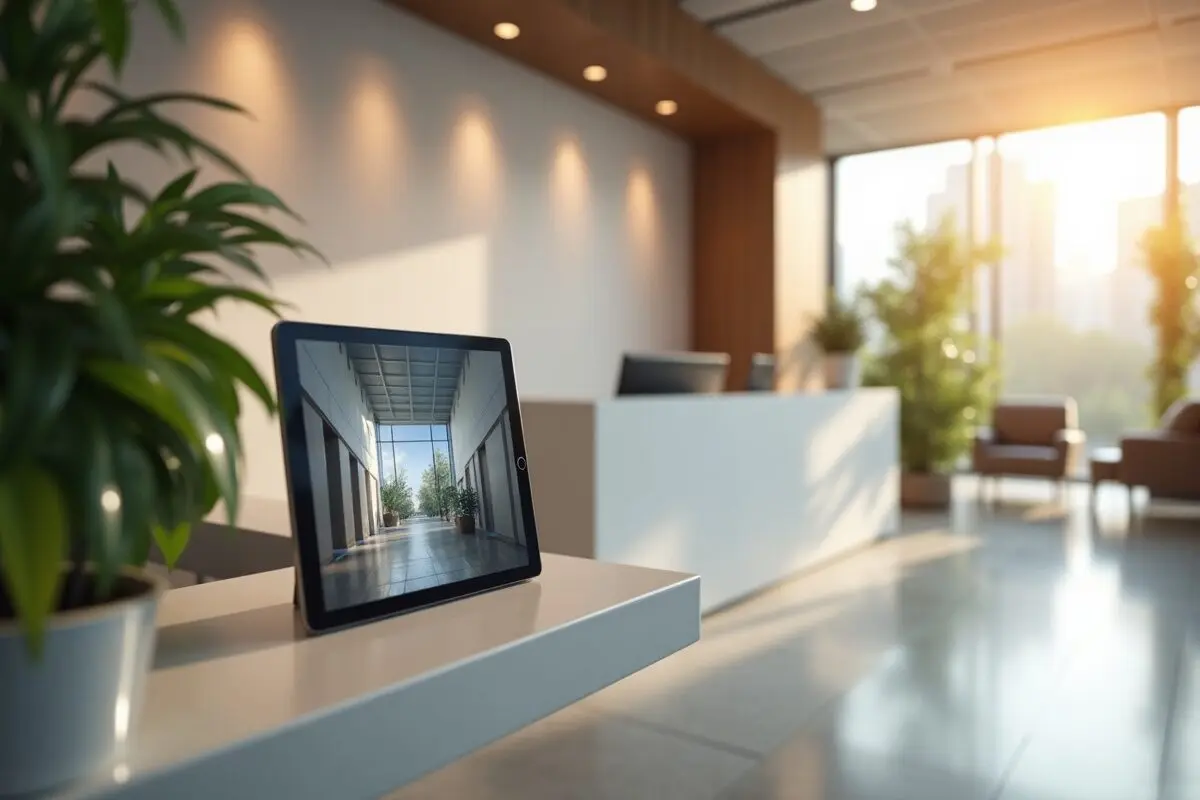
A professional reception area sets the tone for your business, and I've discovered that Digital Photo Frame is perfect for creating engaging photo displays that welcome visitors while maintaining a polished atmosphere. After implementing it in our office's waiting room, I've seen firsthand how it transforms the space into a more dynamic and inviting environment.
Creating the Right First Impression
When I first set up our office reception area slideshow, I wanted something that would look professional while still feeling warm and engaging. Digital Photo Frame struck that perfect balance - it's sophisticated enough for a business setting but simple enough that our receptionist can easily manage it.
Choosing the Right Content
I've found these types of photos work beautifully in our business photo display:
- Company milestones and achievements
- Team events and celebrations
- Professional headshots of team members
- Product showcases and portfolio pieces
- Client success stories (with permission)
- Office culture highlights
Setting Up Your Professional Display
Hardware Setup
In our reception area, we mounted a 12.9" iPad Pro on the wall using a sleek mounting system. The larger screen size works perfectly for our space, though I've seen other businesses use different iPad sizes effectively too. What I love about Digital Photo Frame is how it transforms our iPad into a professional-looking installation.
Content Management
One feature I particularly appreciate is the ability to create different playlists for various occasions:
- Regular business hours display
- Special event showcases
- Holiday-themed collections
- Client visit customizations
Making It Work for Your Business
Professional Tips I've Learned
Through trial and error, I've discovered some best practices:
- Keep transitions subtle and professional
- Update content regularly (I do it monthly)
- Mix in some seasonal photos
- Include company branding elements
- Maintain consistent photo quality
Weather and Time Integration
One unexpected benefit I've found is the weather and time display feature. Our visitors often comment on how useful it is to have this information readily available while they wait.
Impact on Our Business
Since implementing this office photos solution, we've noticed:
- Increased visitor engagement
- Reduced perceived waiting times
- More conversations about our company culture
- Easier updates compared to traditional frames
- Professional atmosphere enhancement
Managing Multiple Displays
What I really love about Digital Photo Frame is how easy it makes managing multiple displays. We actually have three different areas in our office running synchronized slideshows, all controlled from one central account.
Technical Considerations
The app has been incredibly reliable for our business use. I particularly appreciate:
- Remote content management
- Scheduled display times
- Automatic updates
- Cloud storage integration
- Multi-device sync capabilities
Getting Started
If you're considering upgrading your reception area with a professional photo display, I can't recommend Digital Photo Frame enough. It's transformed how we present our business to visitors while making management a breeze for our staff. The setup process is straightforward, and the results are impressive.
To get started, simply download Digital Photo Frame from the App Store. You'll be amazed at how quickly you can transform your reception area into a professional, dynamic space that truly represents your business. 🏢
Remember, your reception area is often the first physical interaction people have with your business - make it count! Based on our experience, this investment in your office's appearance pays dividends in visitor impressions and engagement.
Keep those memories alive!
Manuel
 Share on Facebook
 Share on X
Related Articles
Read More From Blog.
5 Clever Ways to Reuse an Old iPad
Got an old iPad gathering dust in a drawer? Here are five clever ways to give it a second life, from a beautiful digital photo frame to a kitchen recipe station, security monitor, reading device, and bedside clock.